



Install Steam
login
|
language
简体中文 (Simplified Chinese)
繁體中文 (Traditional Chinese)
日本語 (Japanese)
한국어 (Korean)
ไทย (Thai)
Български (Bulgarian)
Čeština (Czech)
Dansk (Danish)
Deutsch (German)
Español - España (Spanish - Spain)
Español - Latinoamérica (Spanish - Latin America)
Ελληνικά (Greek)
Français (French)
Italiano (Italian)
Bahasa Indonesia (Indonesian)
Magyar (Hungarian)
Nederlands (Dutch)
Norsk (Norwegian)
Polski (Polish)
Português (Portuguese - Portugal)
Português - Brasil (Portuguese - Brazil)
Română (Romanian)
Русский (Russian)
Suomi (Finnish)
Svenska (Swedish)
Türkçe (Turkish)
Tiếng Việt (Vietnamese)
Українська (Ukrainian)
Report a translation problem










 Award
Award


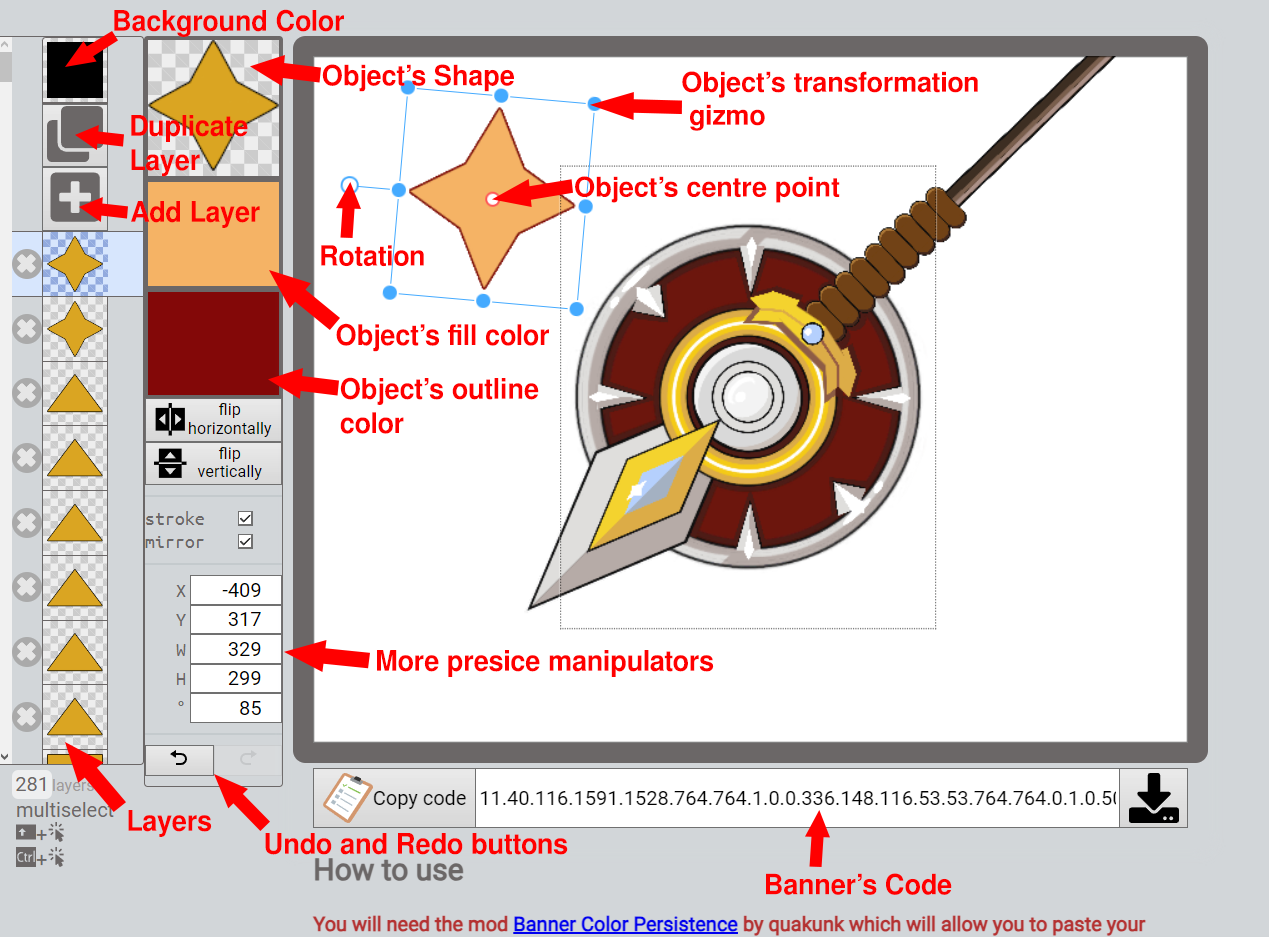
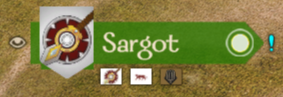
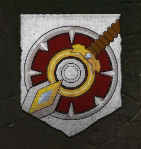
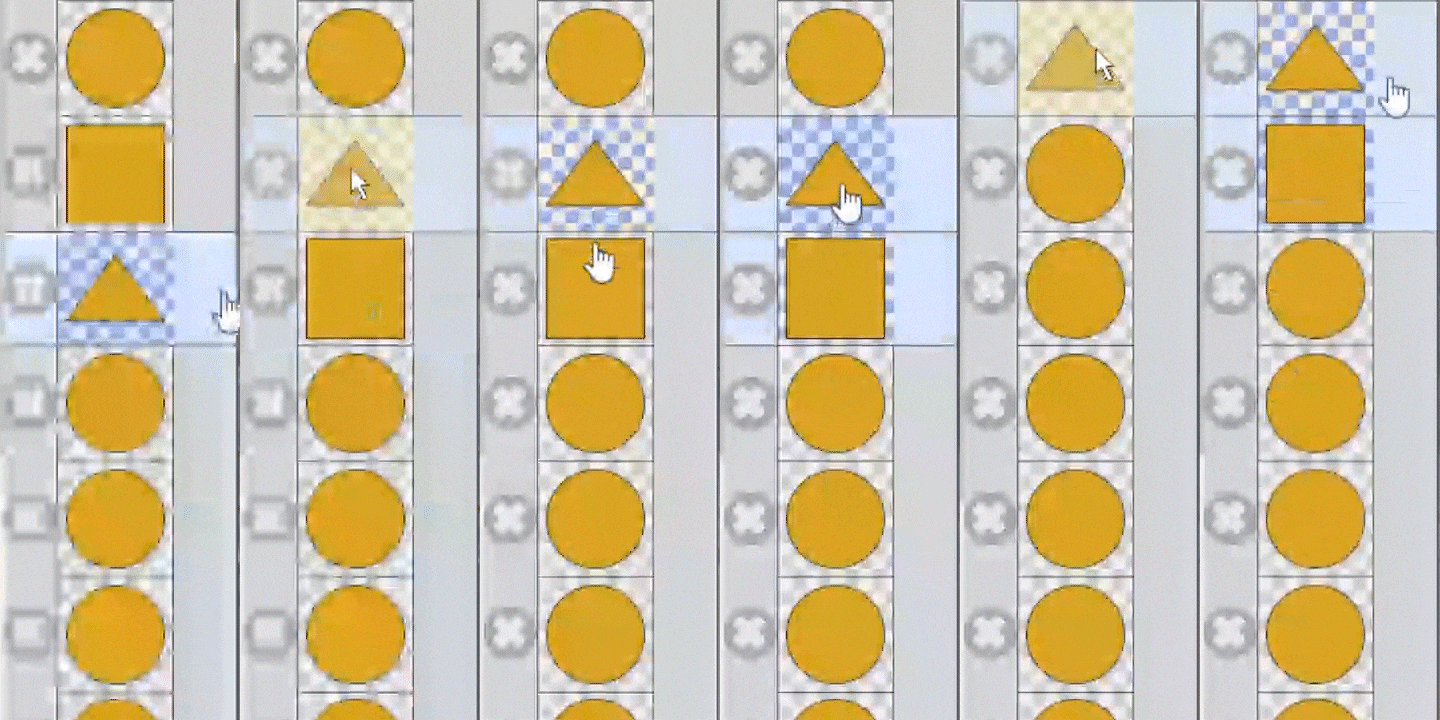




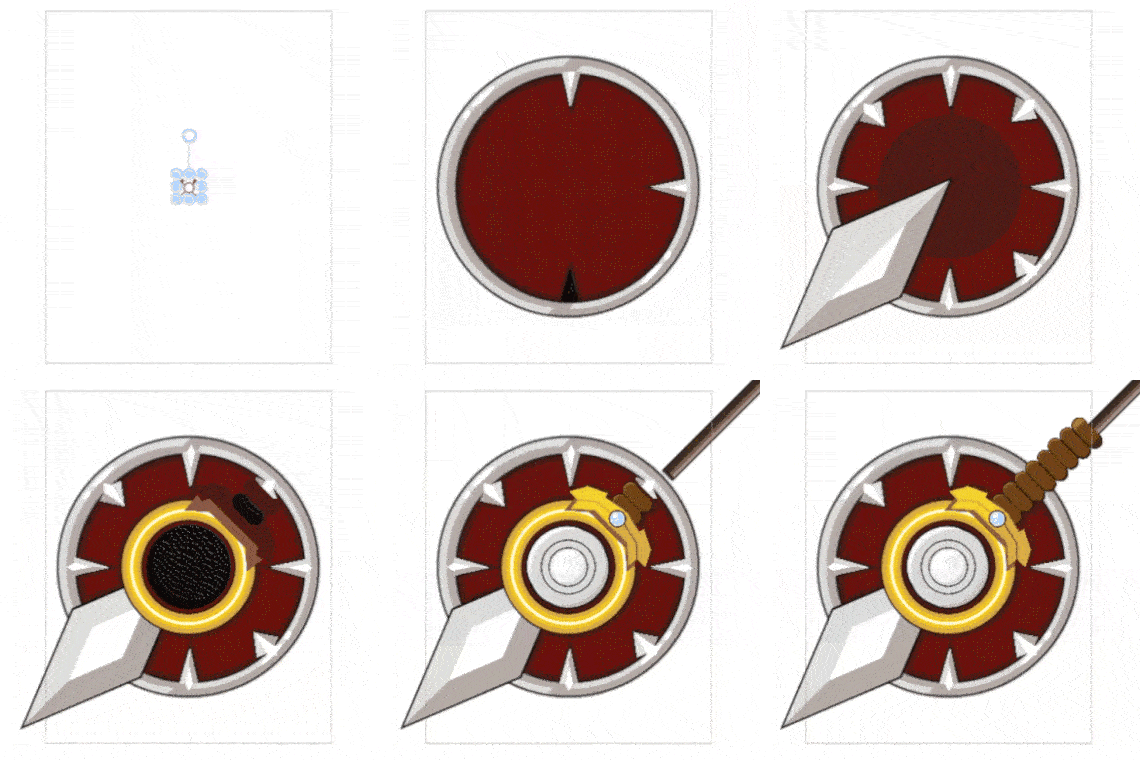
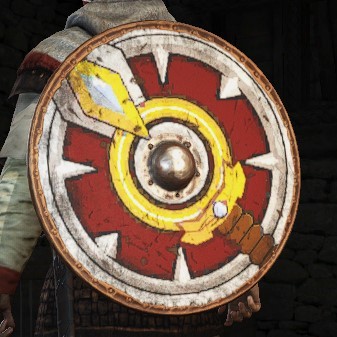


So as an alternative you can either try and recreate the image as closely as possible with a tool showcased in this guide or try and add your image as a banner decal in the game using Bannerlord Modding Kit.
Anyways here are a few solutions I found:
1) Install this mod Enable Achievements Mod to enable back achievements no matter if you are using mods or not.
2) Use the mod to paste a banner and then delete/disable it afterwards. However with that approach some of my banners' colors got messed up after removing the mod so it is not very convenient.
Thanks for pointing the issue out. I'll keep searching further and update the guide if necessary. Also would love to hear from you if you have found a better solution.
Or just make a banner with only one layer in banner editor and paste it. Now you ll be able to edit the shape and color in Bannerlord itself and it will be just like during original in-game banner creation.