



Install Steam
login
|
language
简体中文 (Simplified Chinese)
繁體中文 (Traditional Chinese)
日本語 (Japanese)
한국어 (Korean)
ไทย (Thai)
Български (Bulgarian)
Čeština (Czech)
Dansk (Danish)
Deutsch (German)
Español - España (Spanish - Spain)
Español - Latinoamérica (Spanish - Latin America)
Ελληνικά (Greek)
Français (French)
Italiano (Italian)
Bahasa Indonesia (Indonesian)
Magyar (Hungarian)
Nederlands (Dutch)
Norsk (Norwegian)
Polski (Polish)
Português (Portuguese - Portugal)
Português - Brasil (Portuguese - Brazil)
Română (Romanian)
Русский (Russian)
Suomi (Finnish)
Svenska (Swedish)
Türkçe (Turkish)
Tiếng Việt (Vietnamese)
Українська (Ukrainian)
Report a translation problem

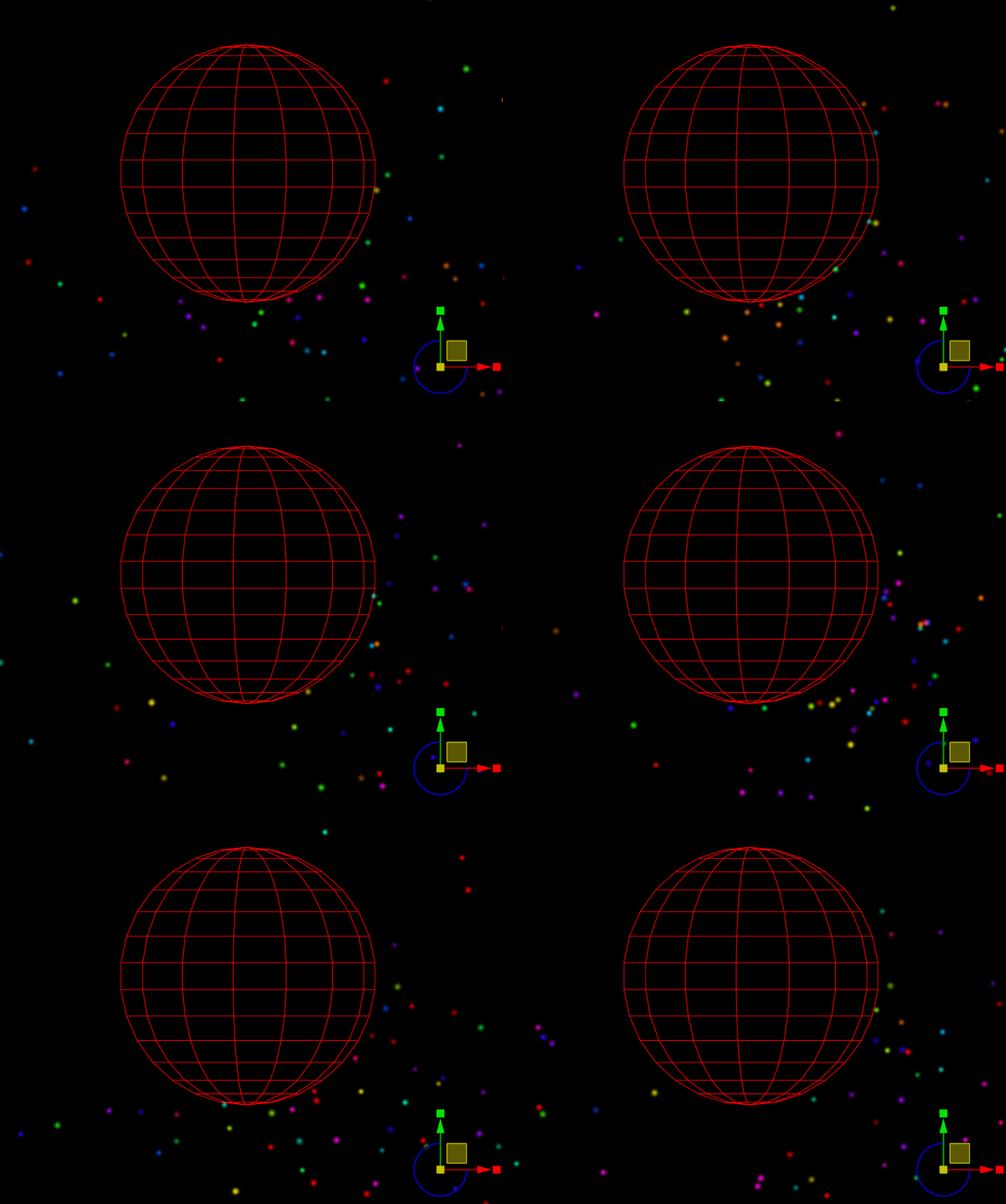
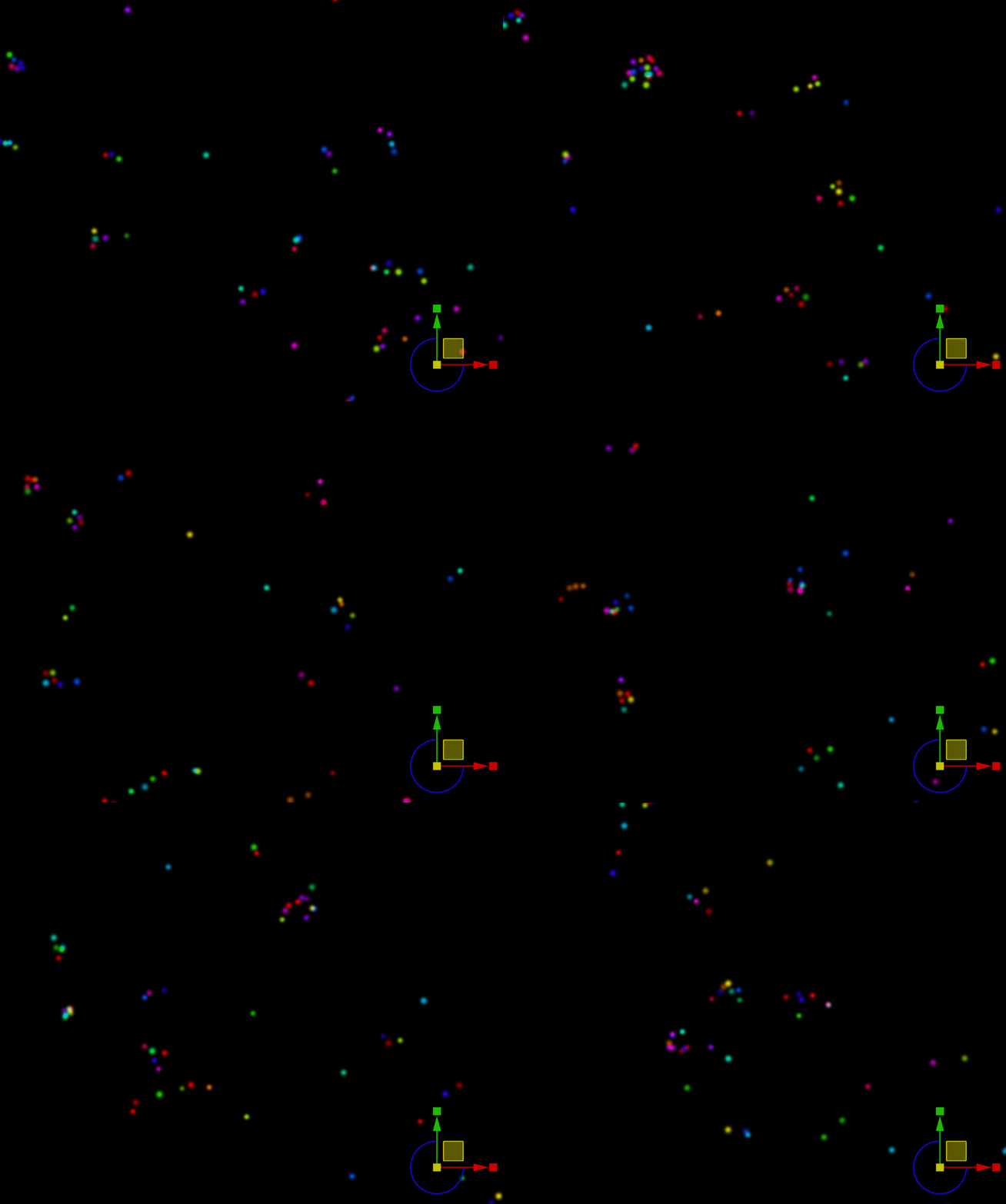
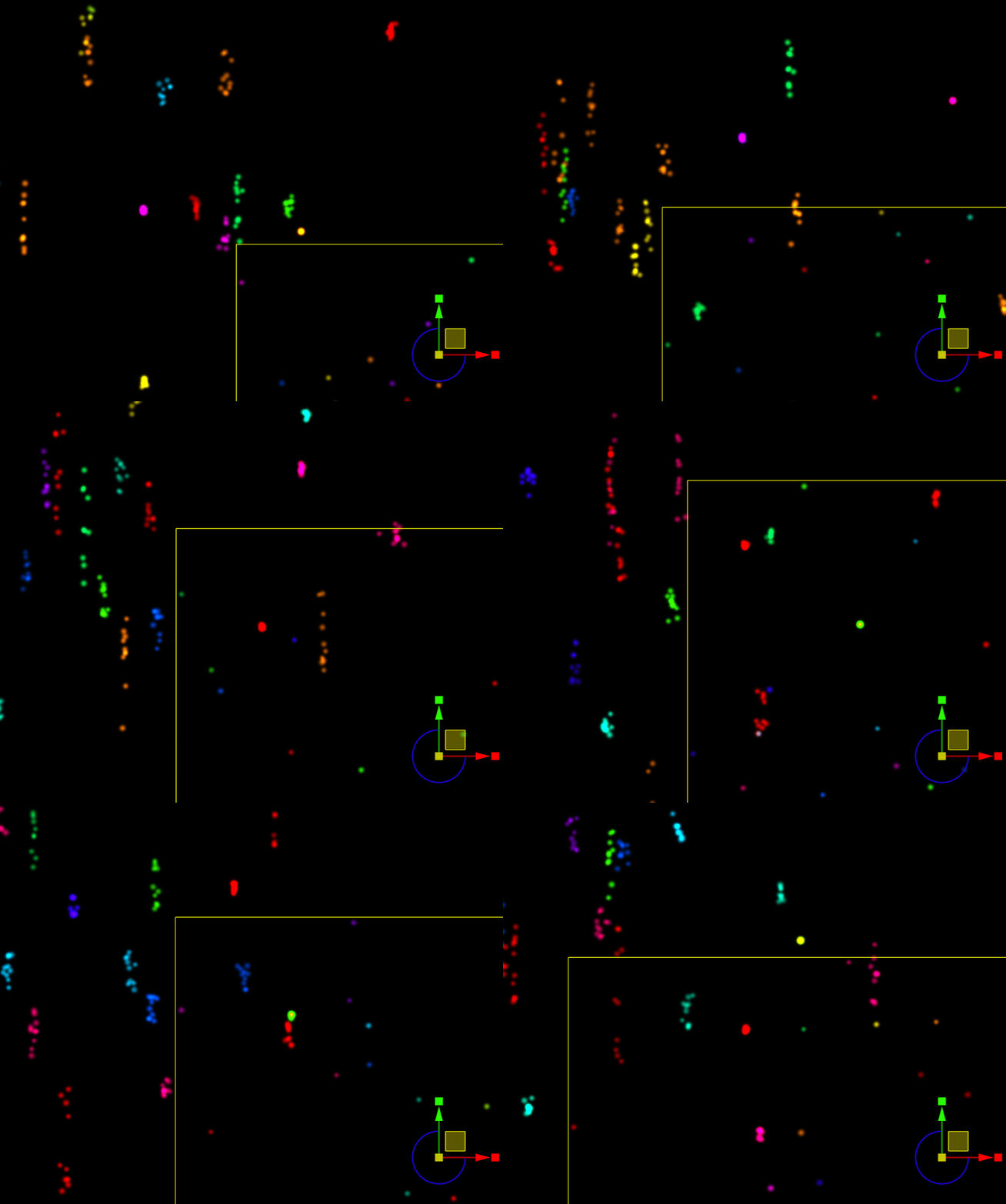
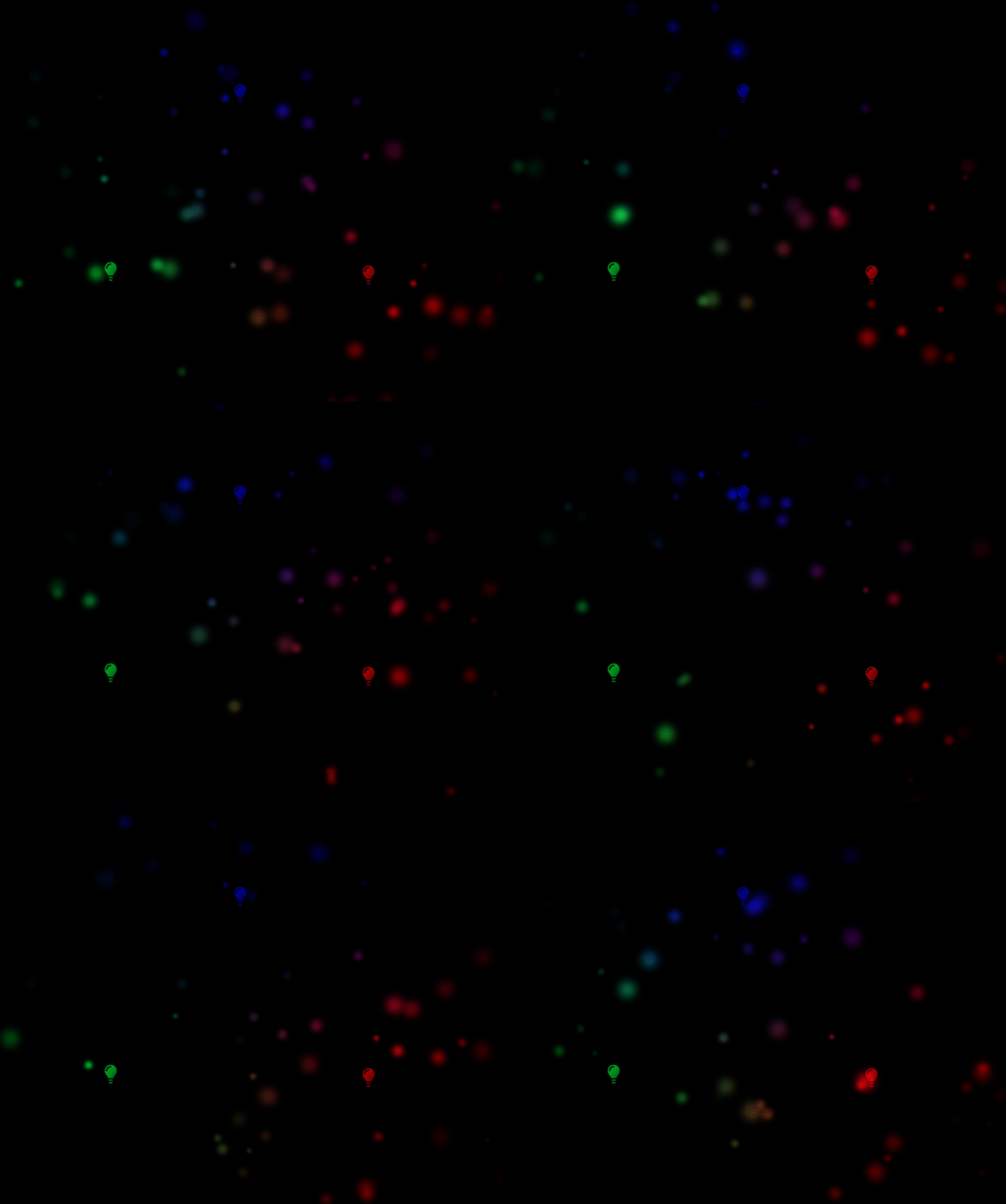
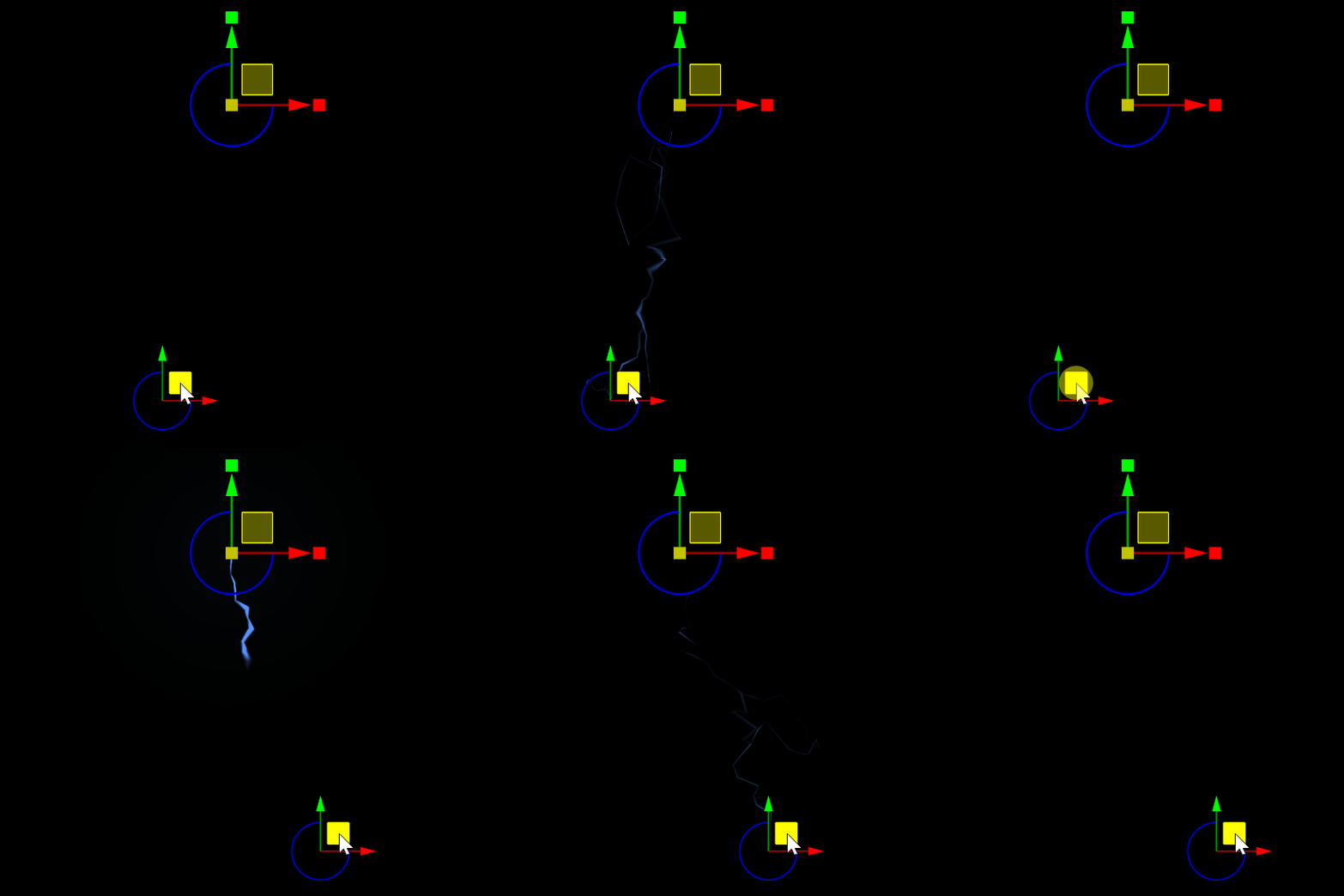
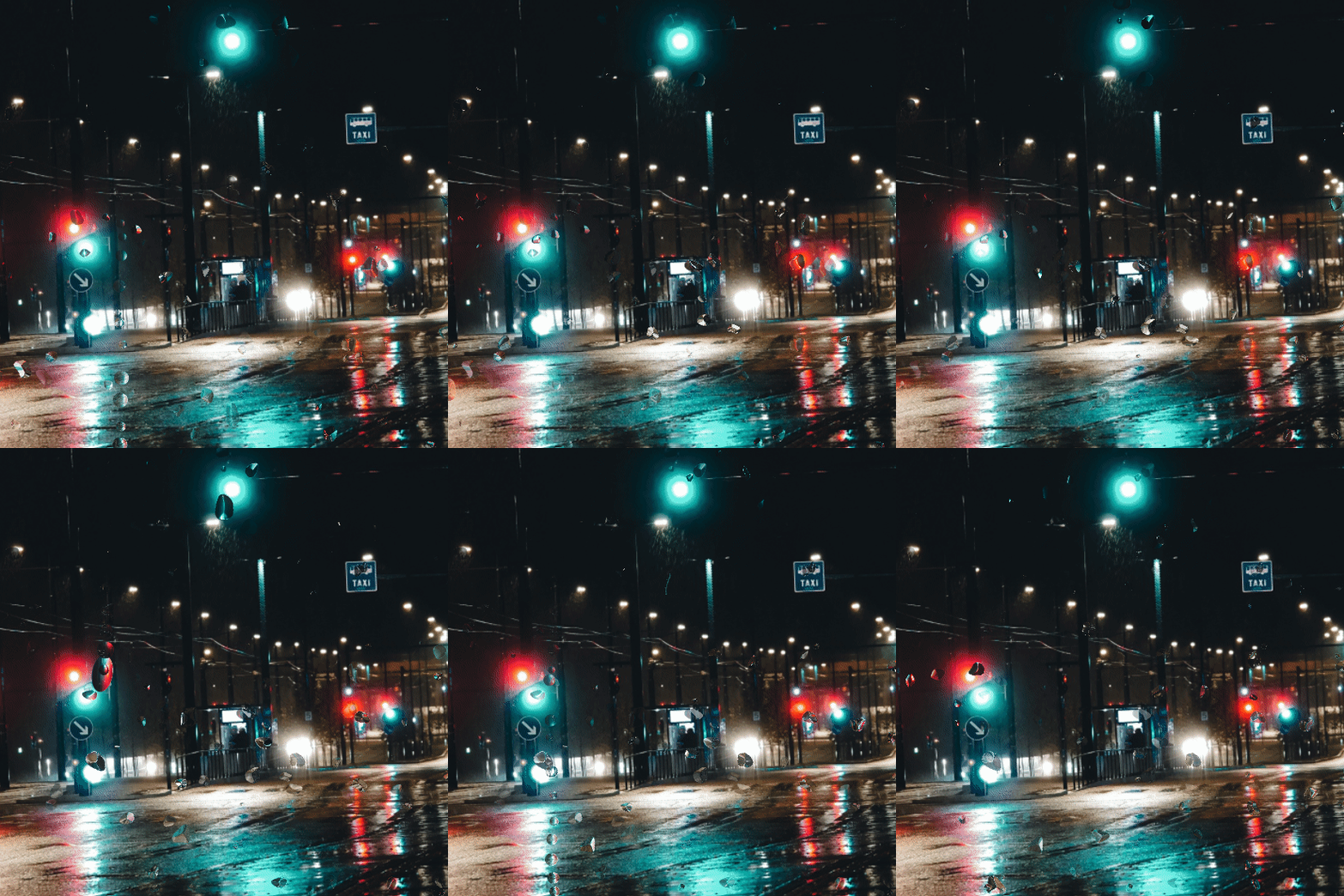
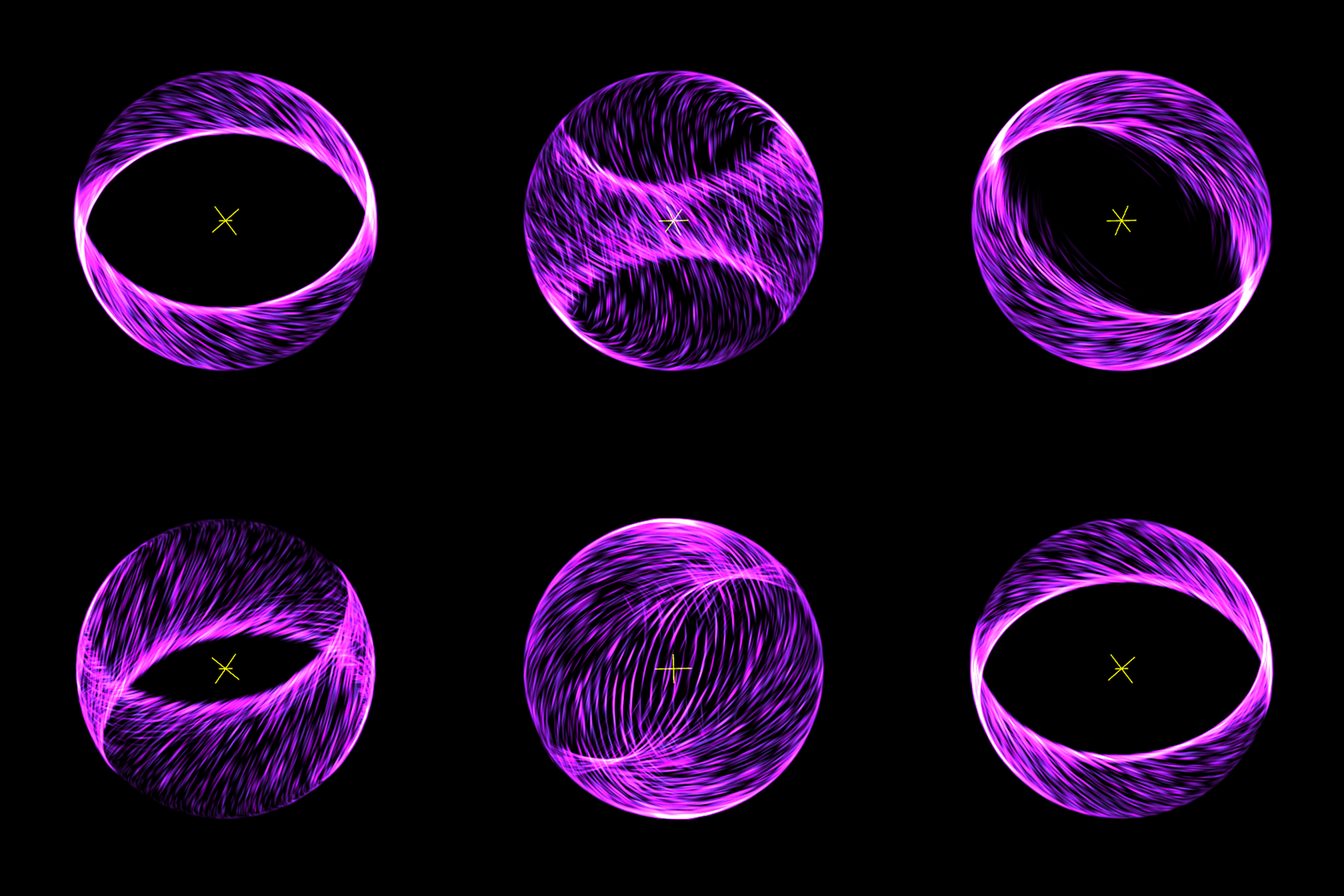
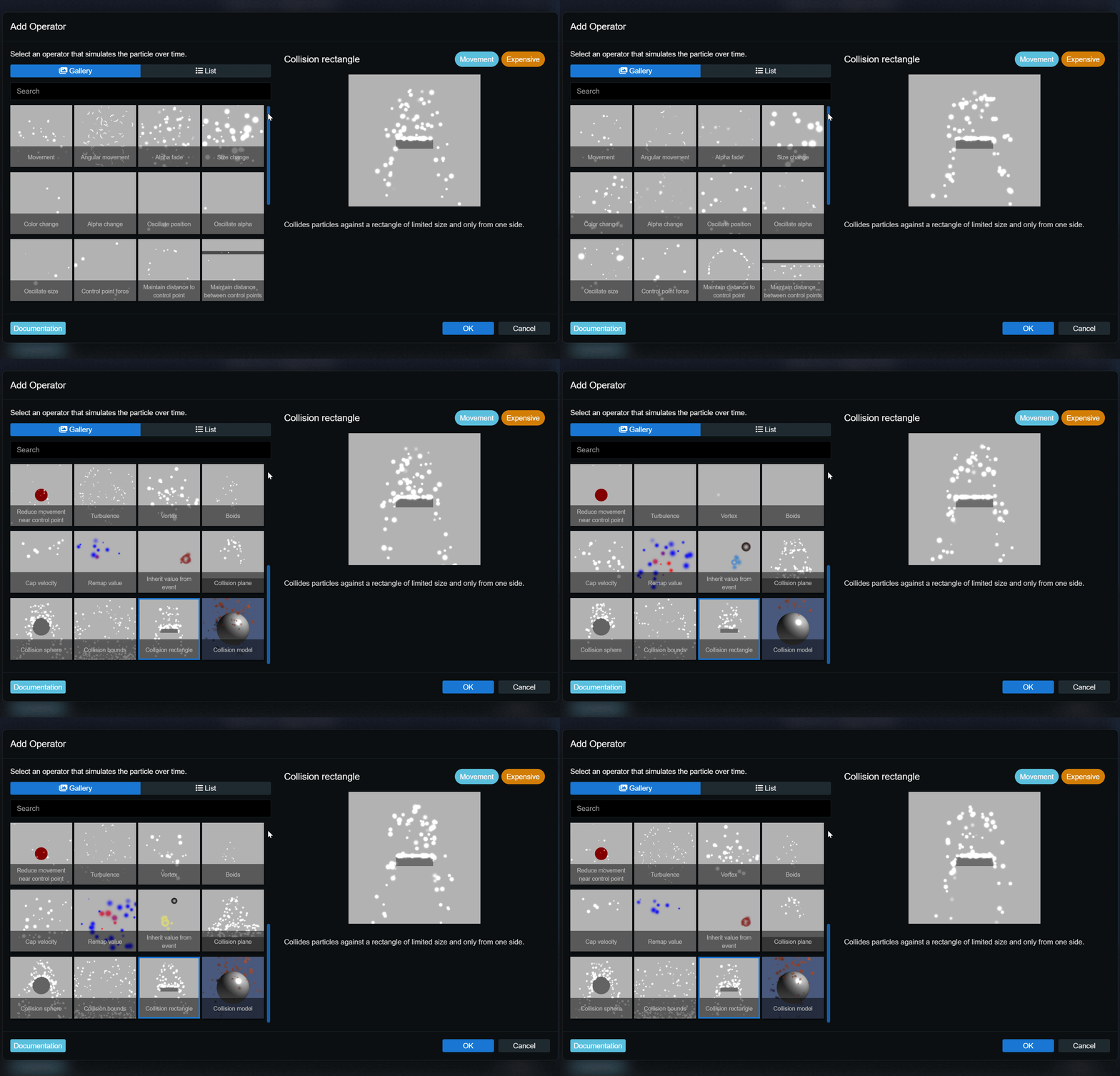 We have also created an extensive documentation of every single particle editor feature and all their options. If you have not tried working with the particle system editor before, now is a good chance to give it a try. Be sure to try out our new "Getting Started" tutorial, it will teach you all the basics to start tinkering with your own particle systems:
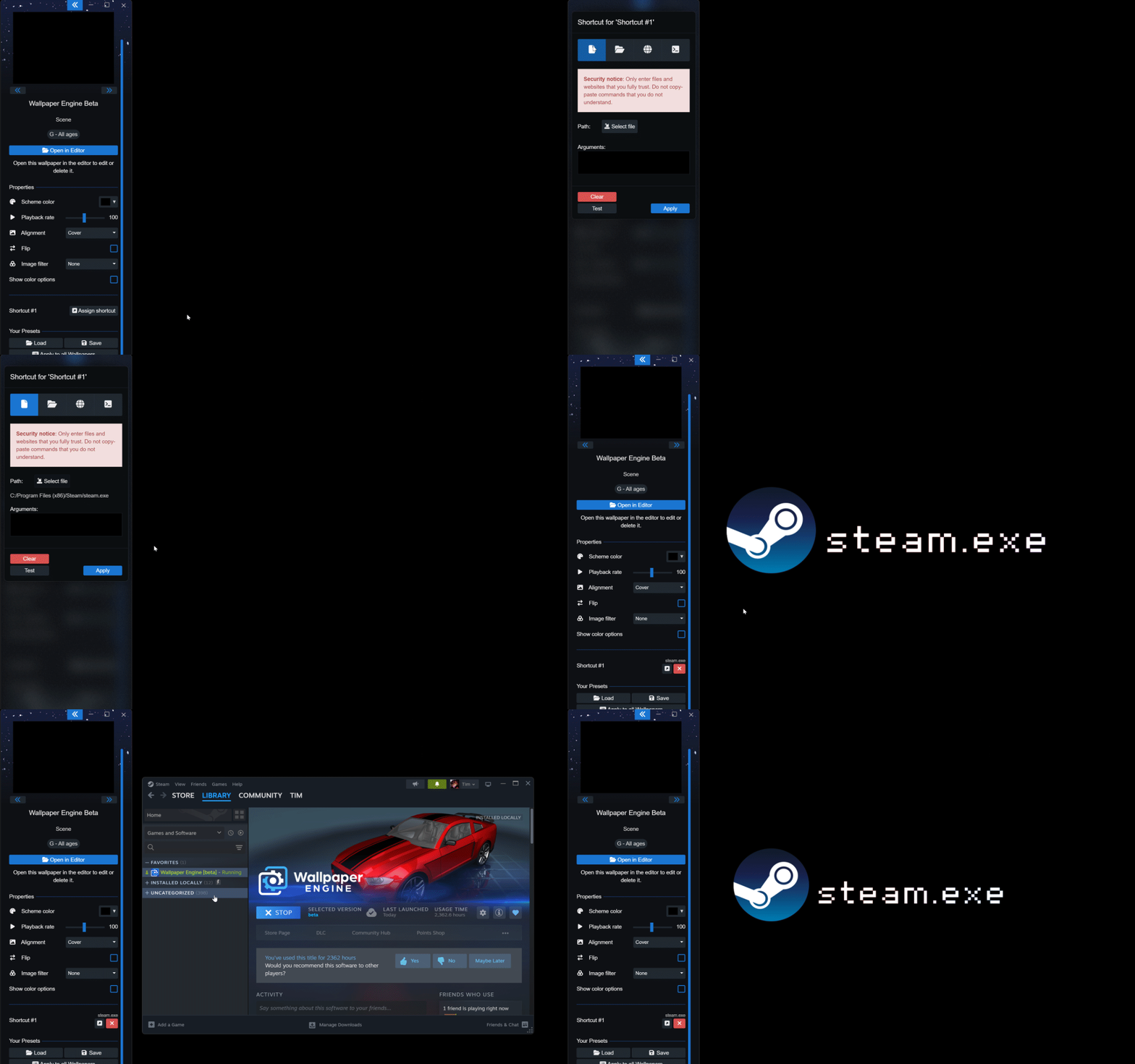 After adding the shortcut, the Steam icon and the executable name appear in our wallpaper and it becomes clickable like a desktop symbol in this example. The look and feel of this is fully customizable and up to wallpaper creators.
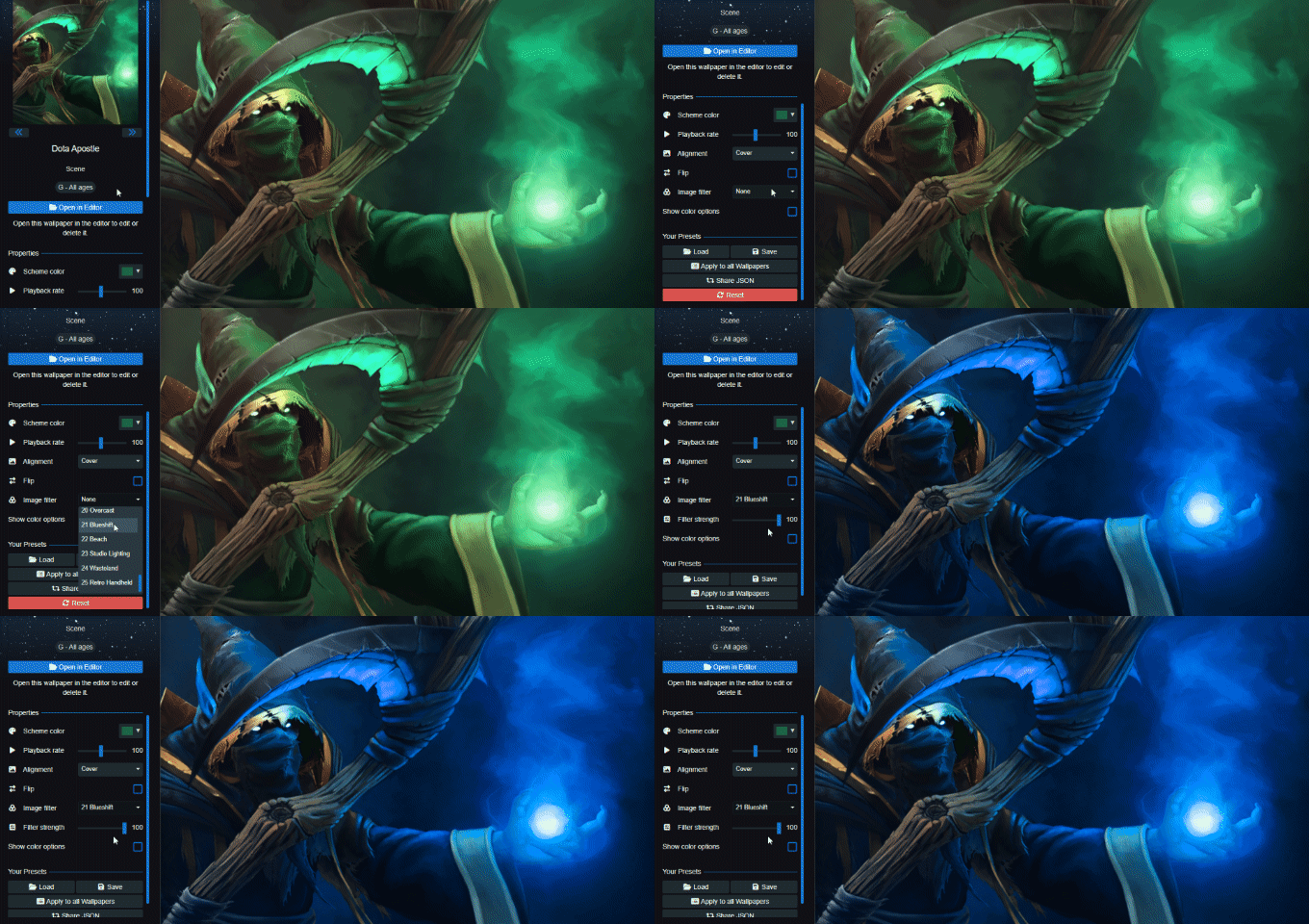 For a complete list of all changes, be sure to check out our changelog:
 Self-shadowing example achieved with a clipping mask


 Take a look at our full changelog to get an overview of all additions, changes and bug fixes:
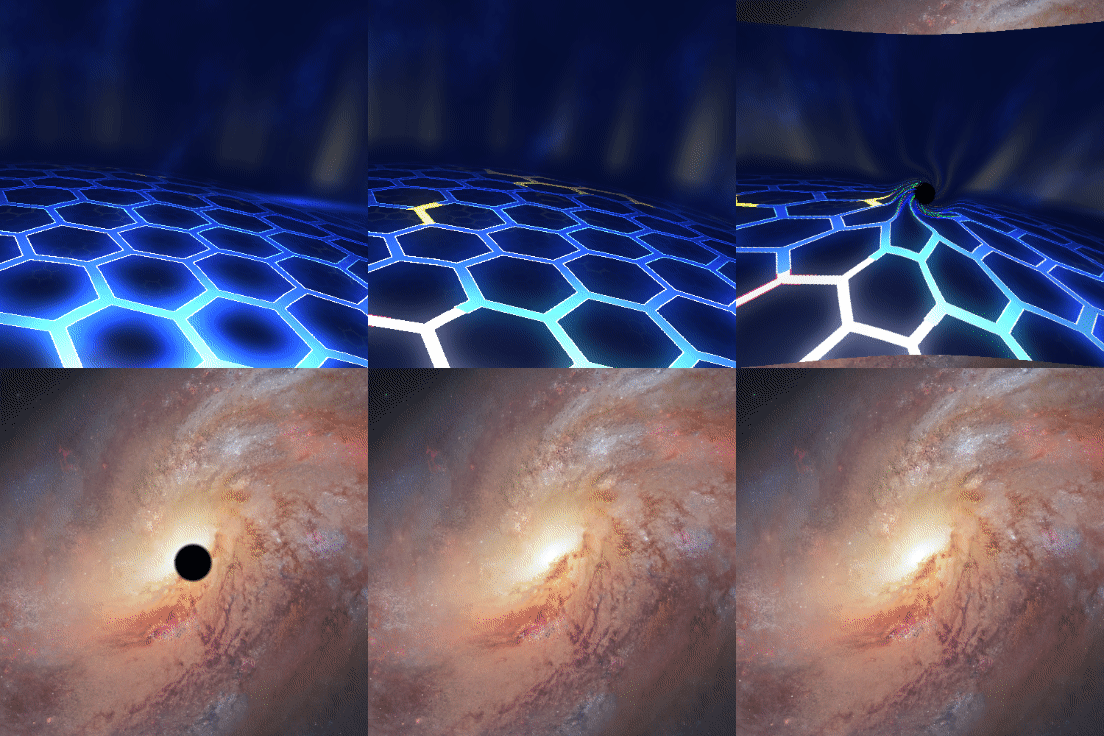
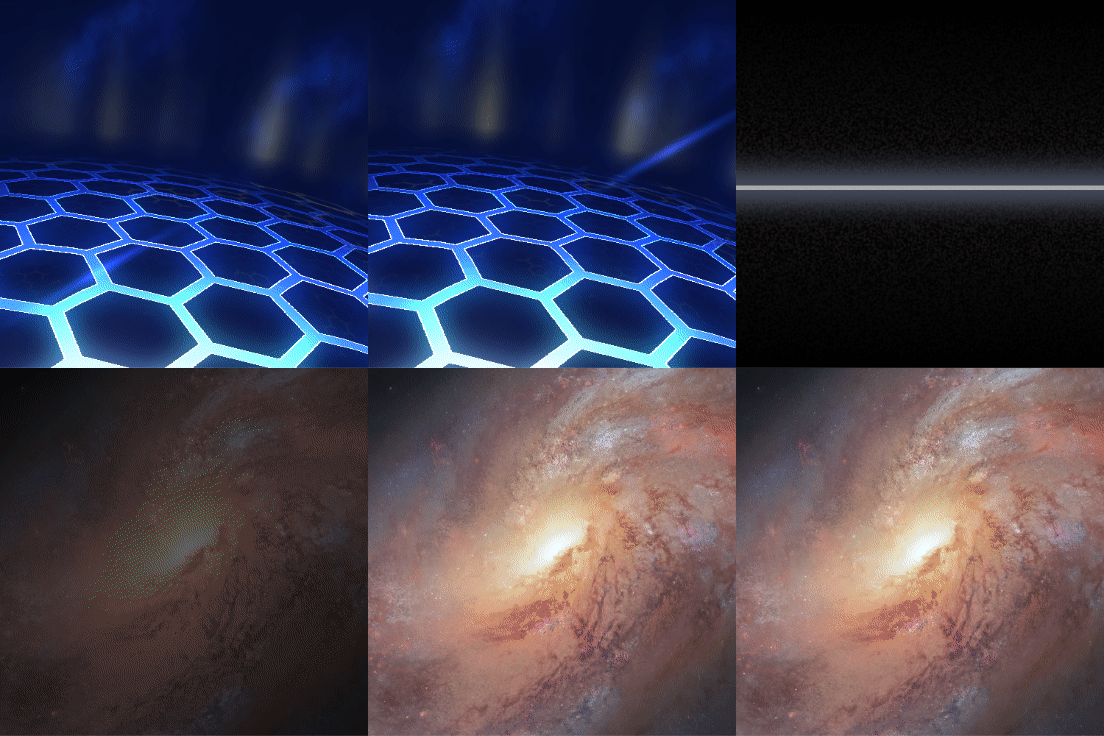
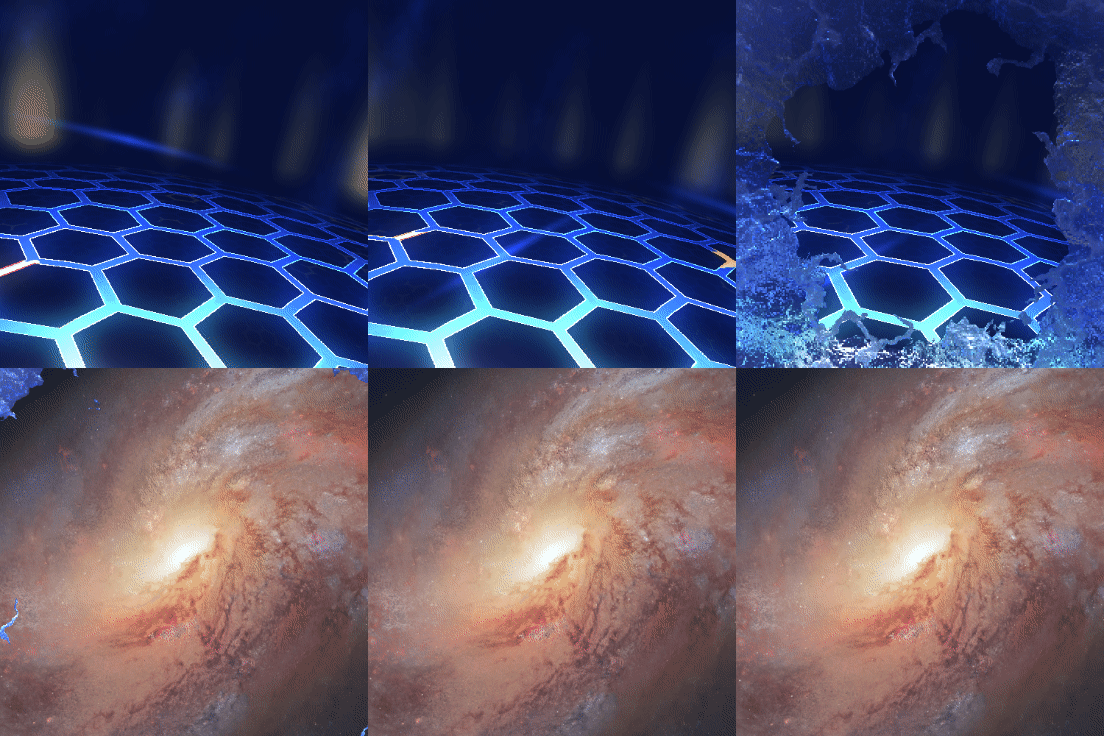
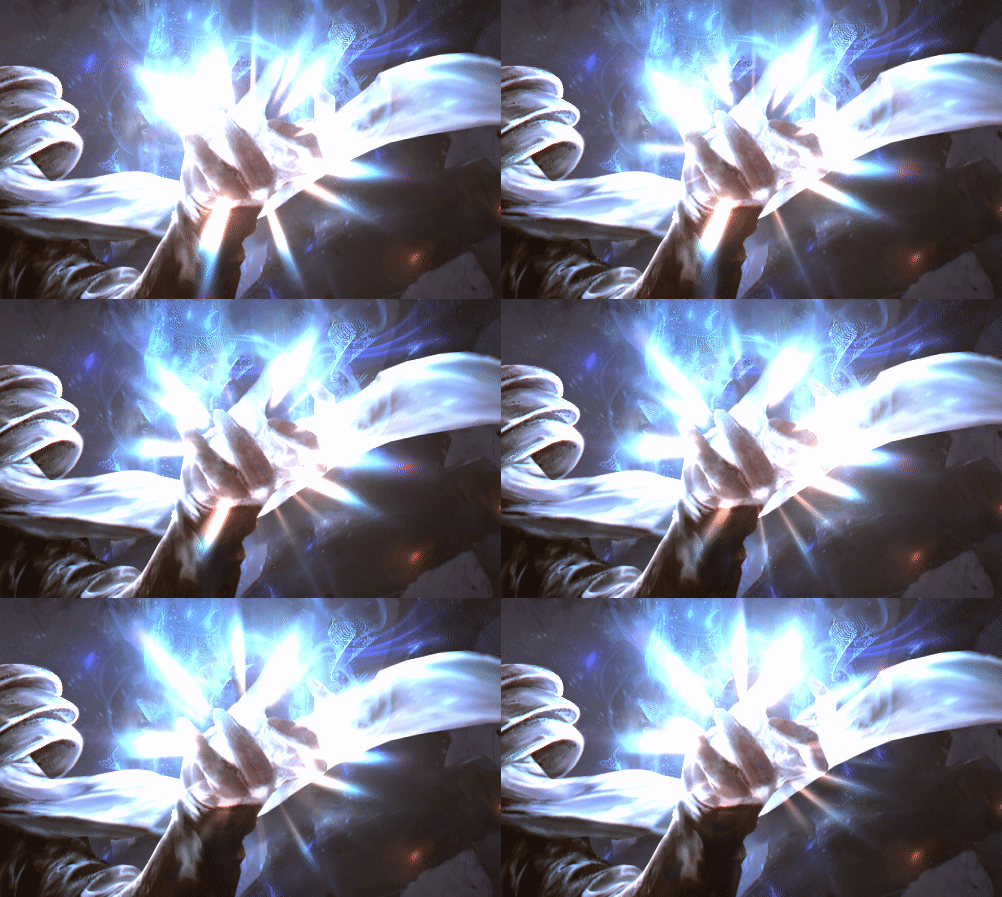 To learn more about the new asset / effect, take a look at our designer documentation:
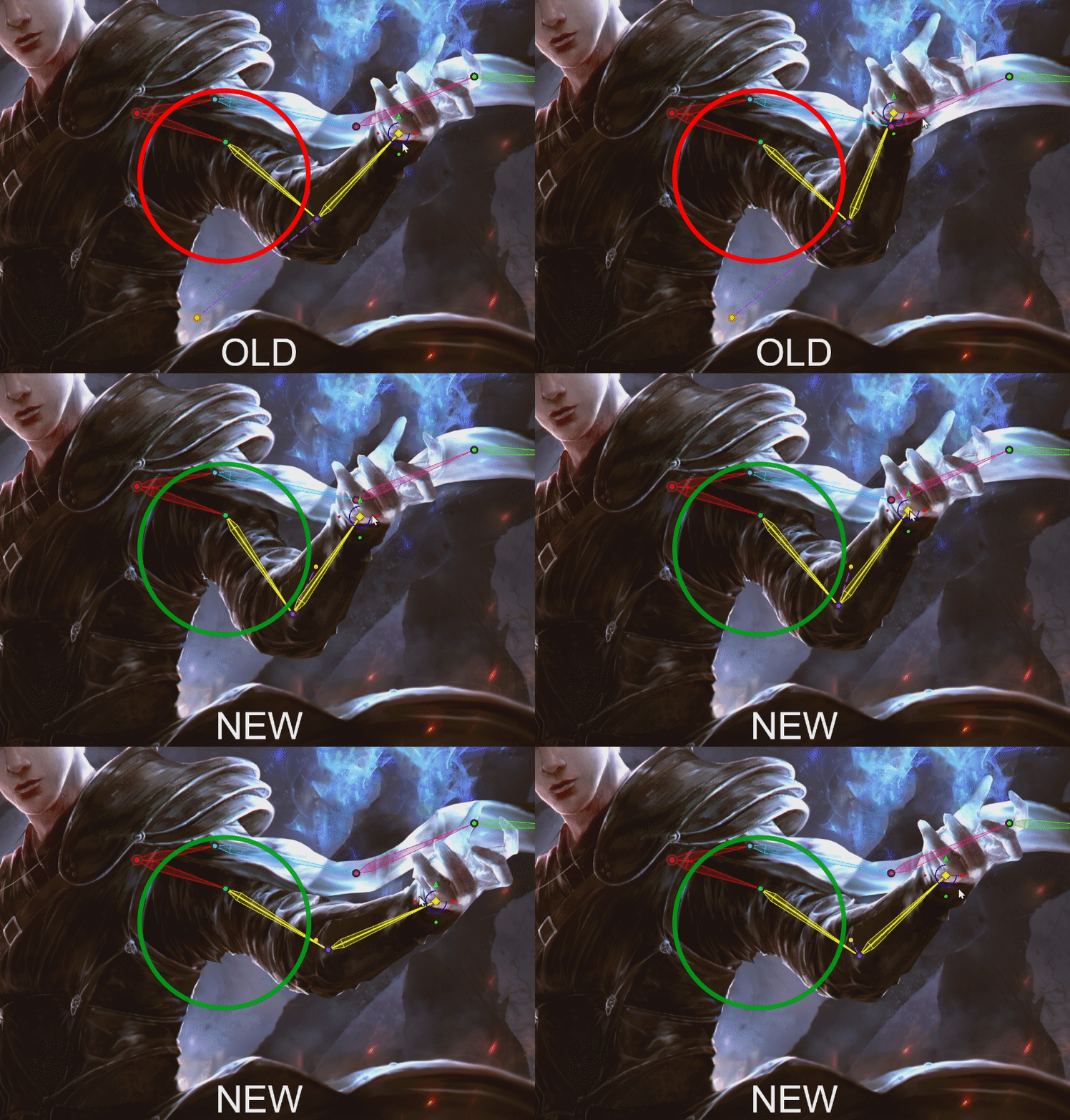 You can now define weights across individual limbs which will allow Wallpaper Engine to better merge them during animation scenarios as shown in the example above. We have summed up these changes in our designer documentation. To learn about how to utilize this new feature, check out the "Blending across weight islands" section on the following docs page:
 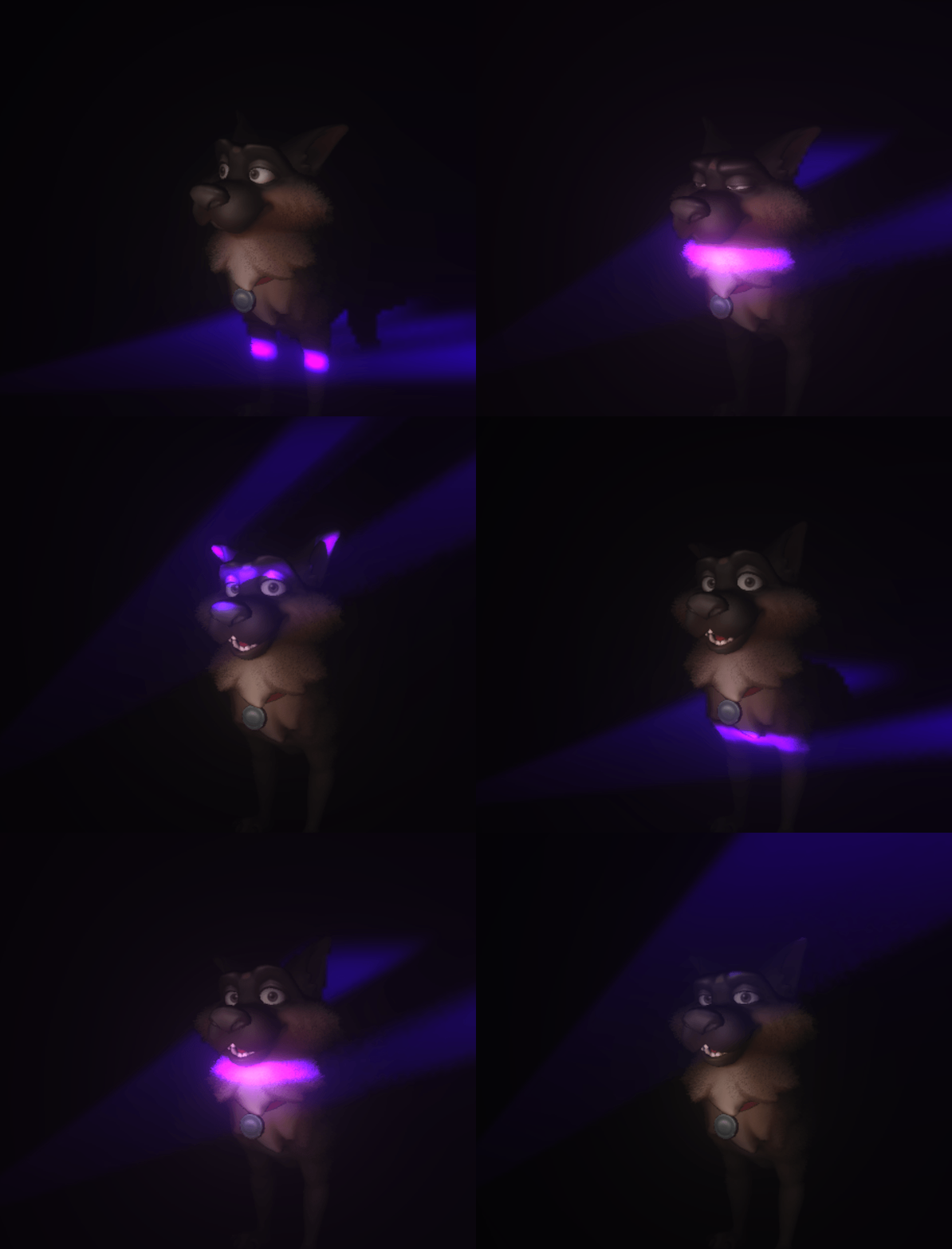 As always, we have prepared a tutorial on our designer documentation website which you can use as a step-by-step guide:
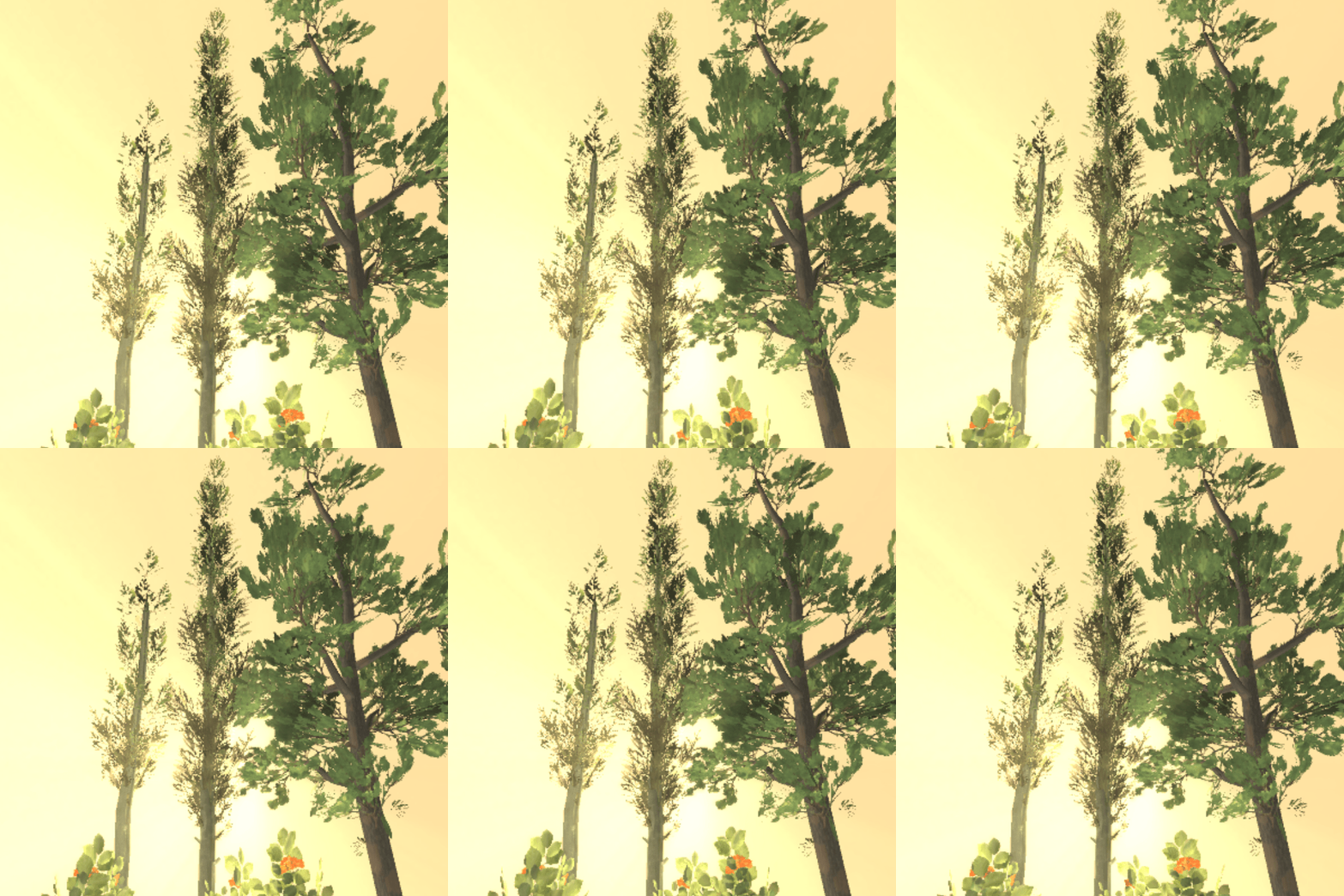 This shader allows you to mimic gusts of wind in trees and adds the ability to create double-sided lighting for leaves and other similar materials.
 This shader enables you to add volumetric hair to a model and can be tweaked for a wide variety of use-cases. Also works well with real-time shadows.
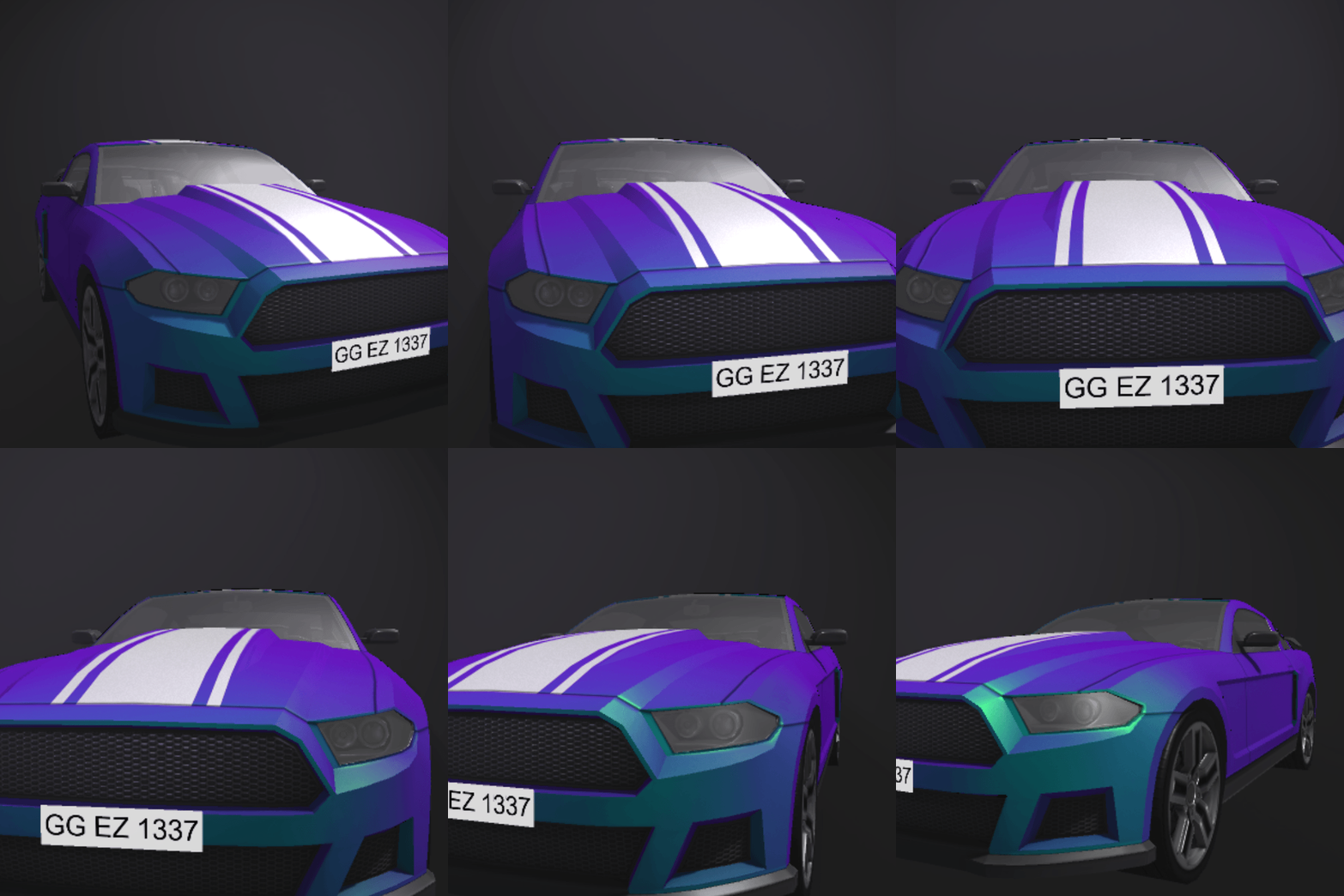 The Chroma shader adds a two-colored metallic shine to an object that changes depending on the viewing angle and distance.
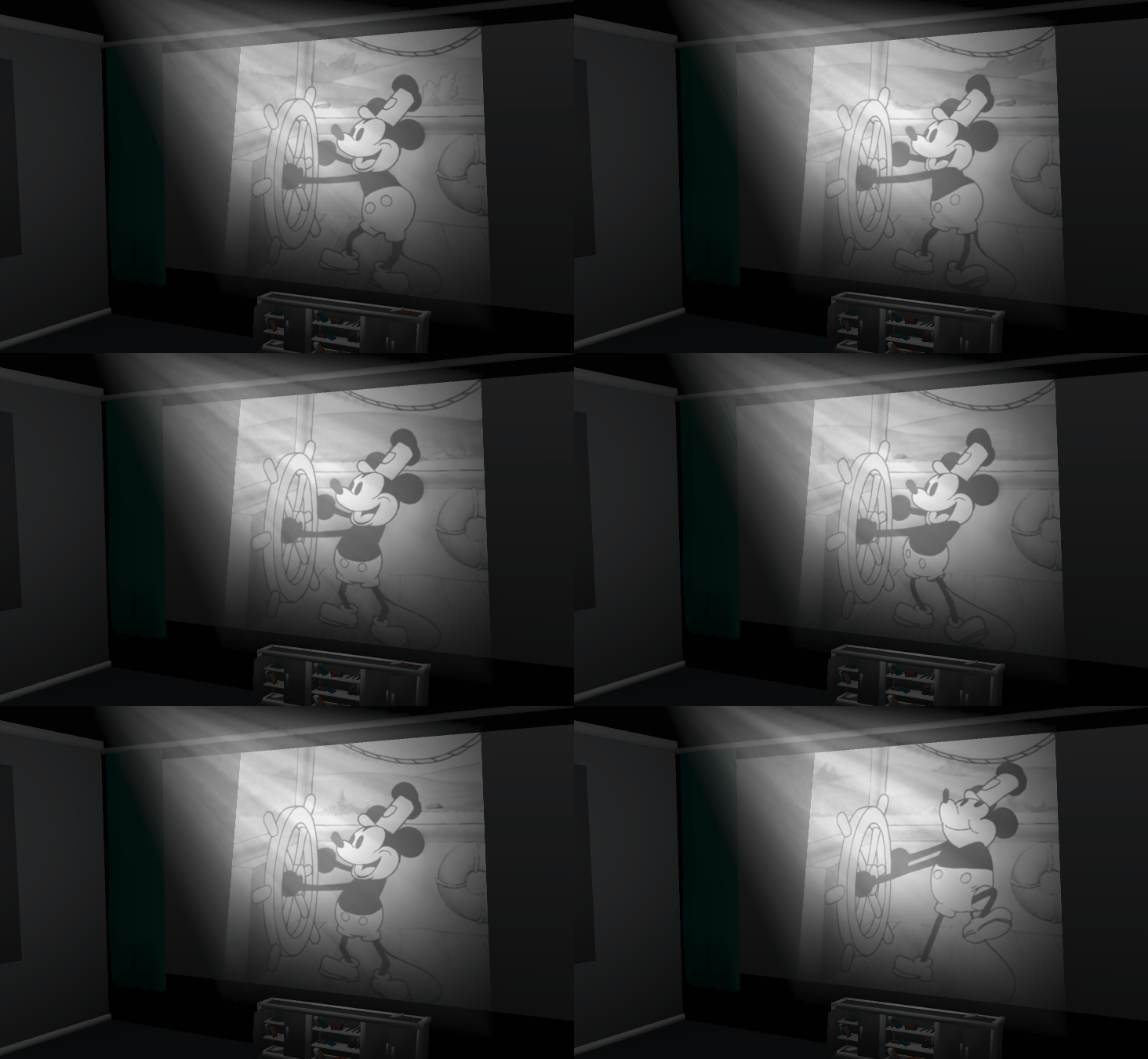 Learn more about this in our designer docs:
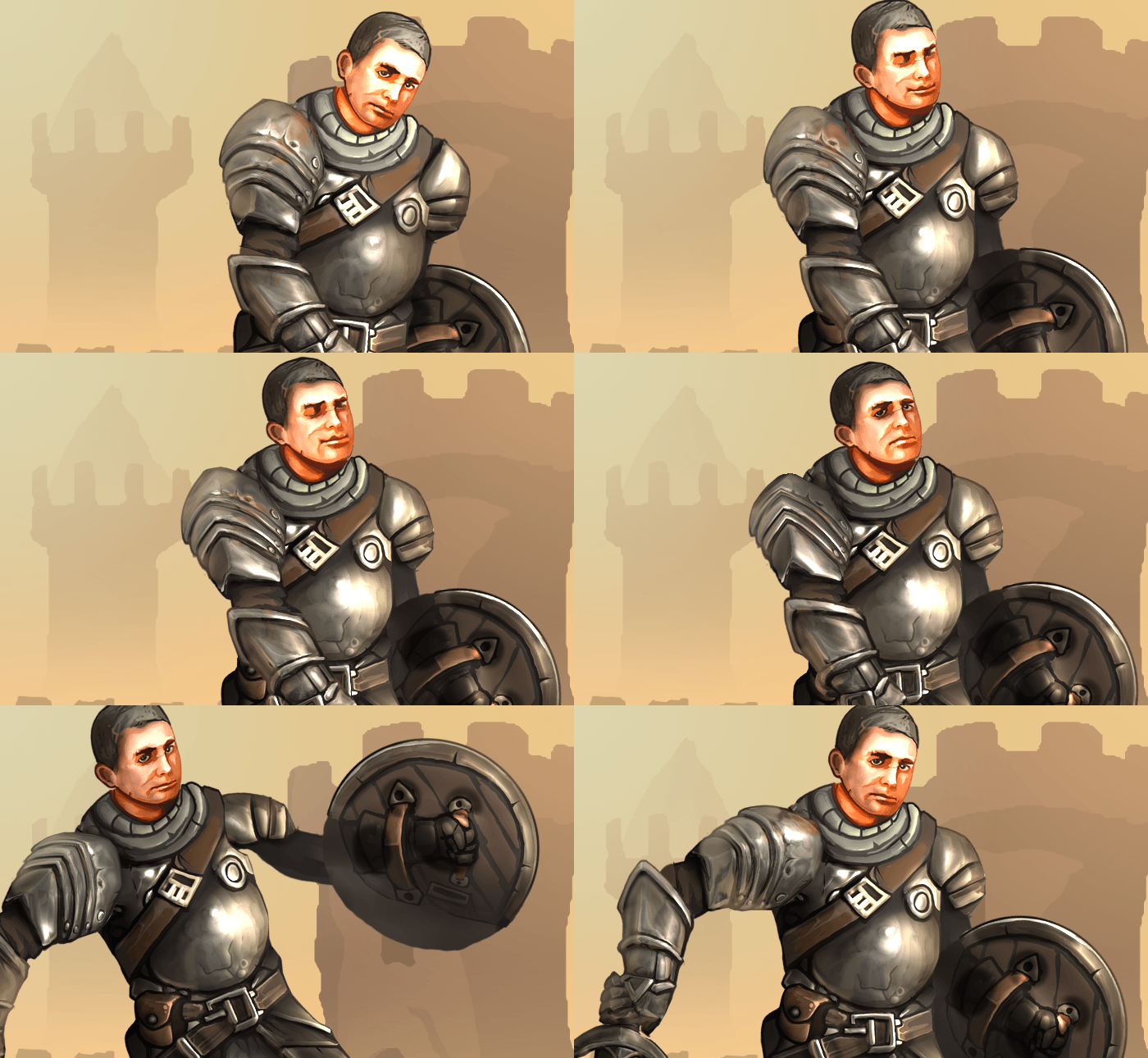 As part of the update, we have also overhauled the geometry setup for puppet warp models and added the ability to precisely reposition each element of the geometry.
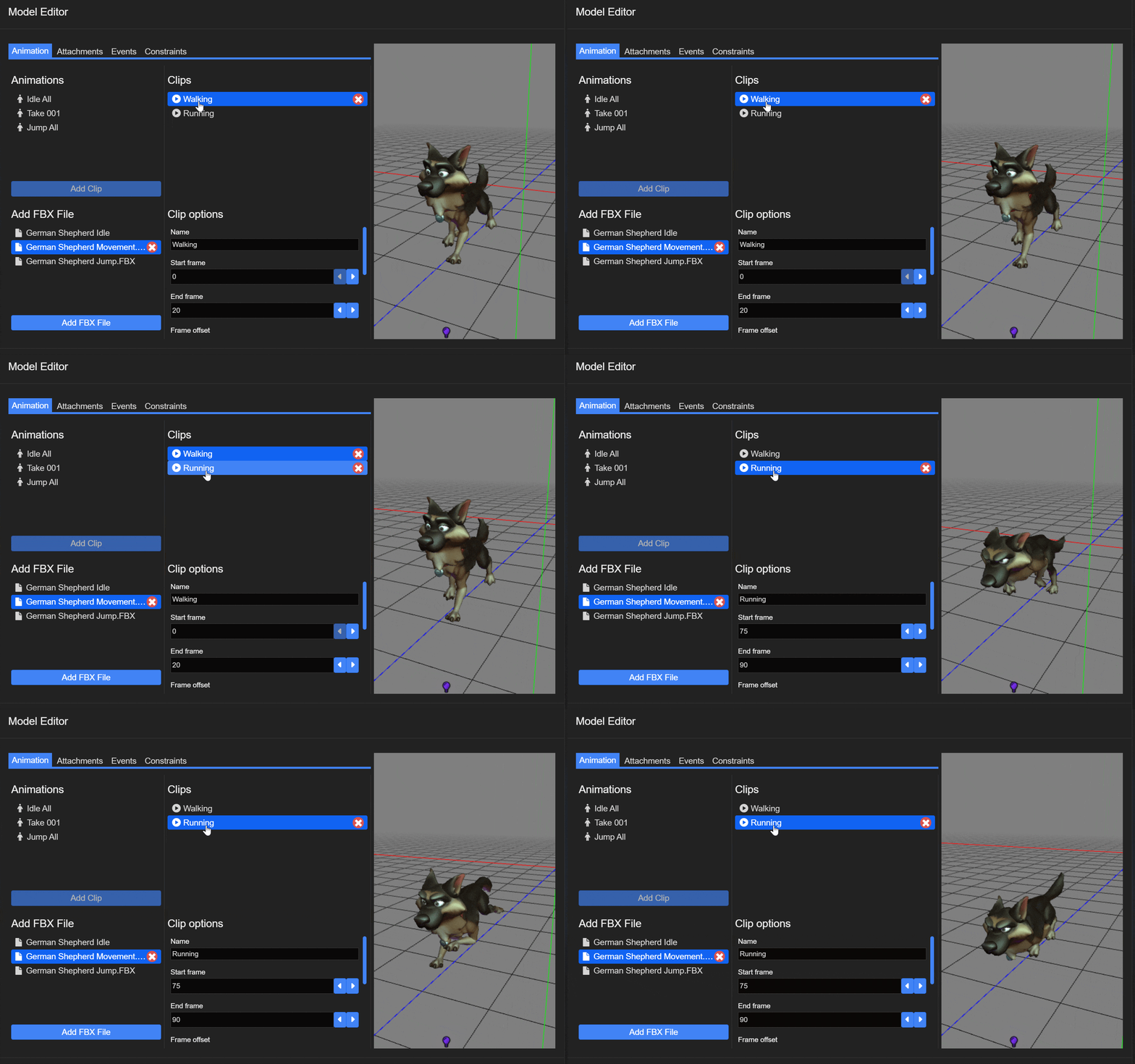 We have created a series of 3D-related tutorials, be sure to check them out on our designer documentation website
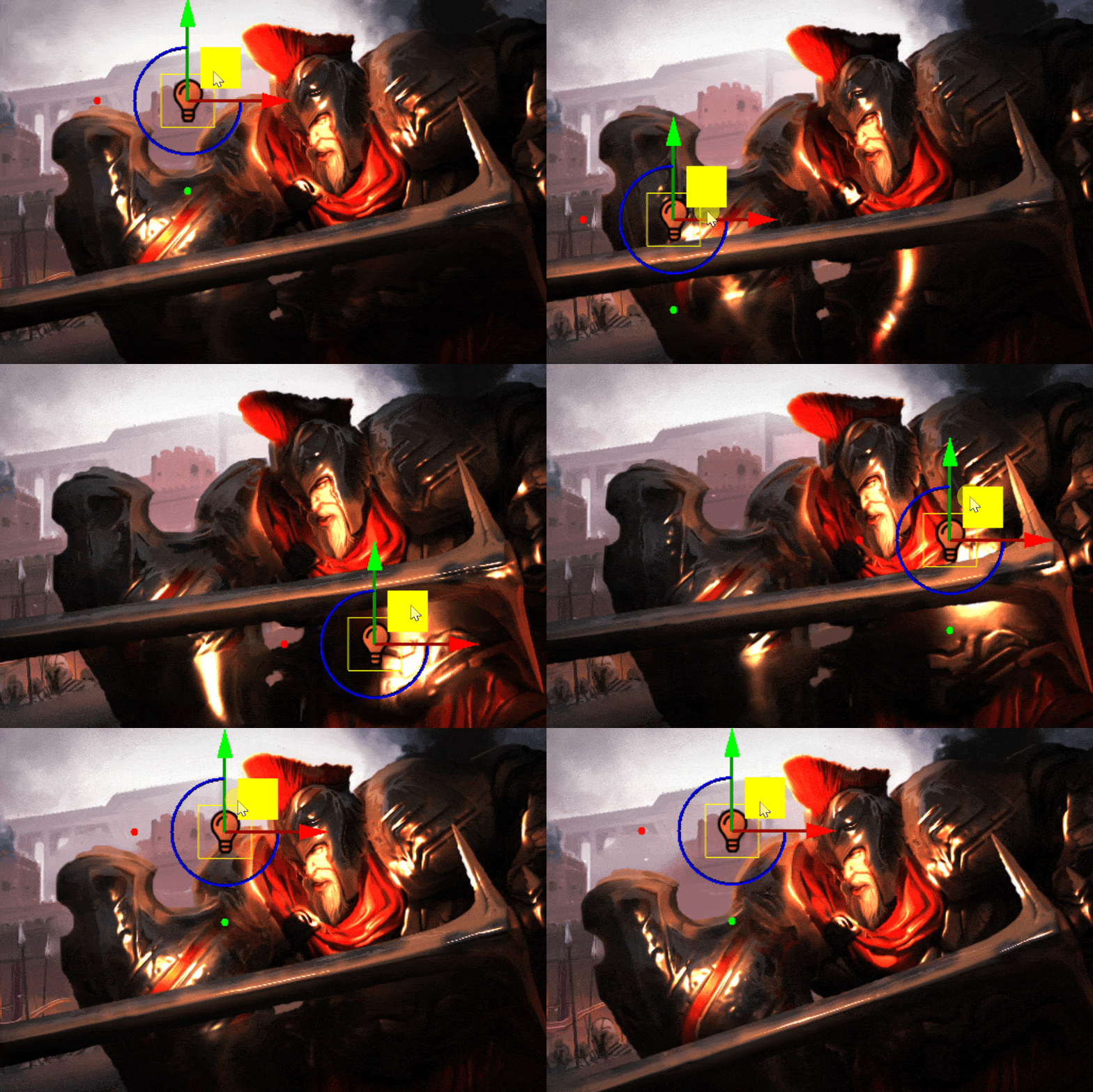
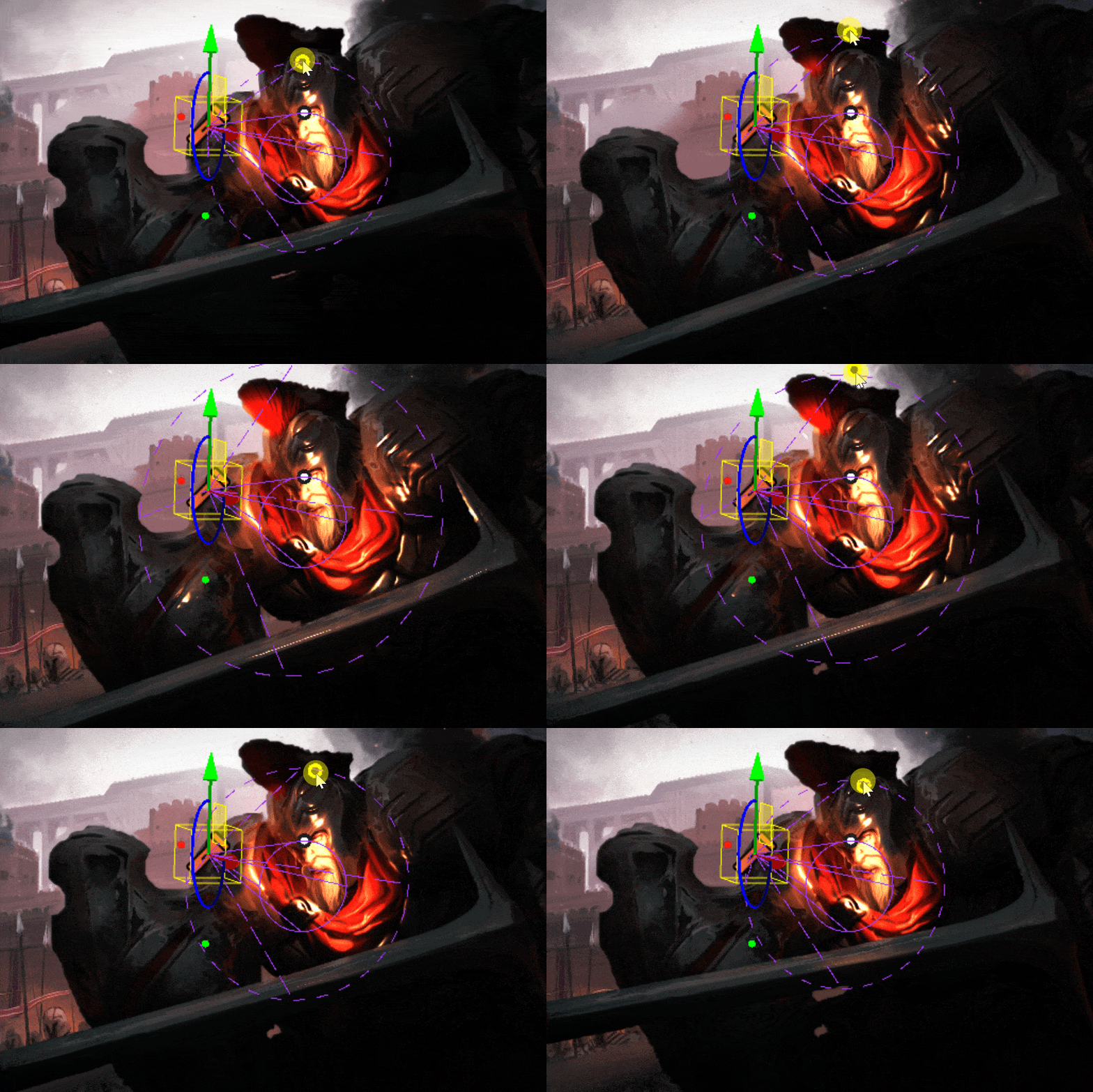
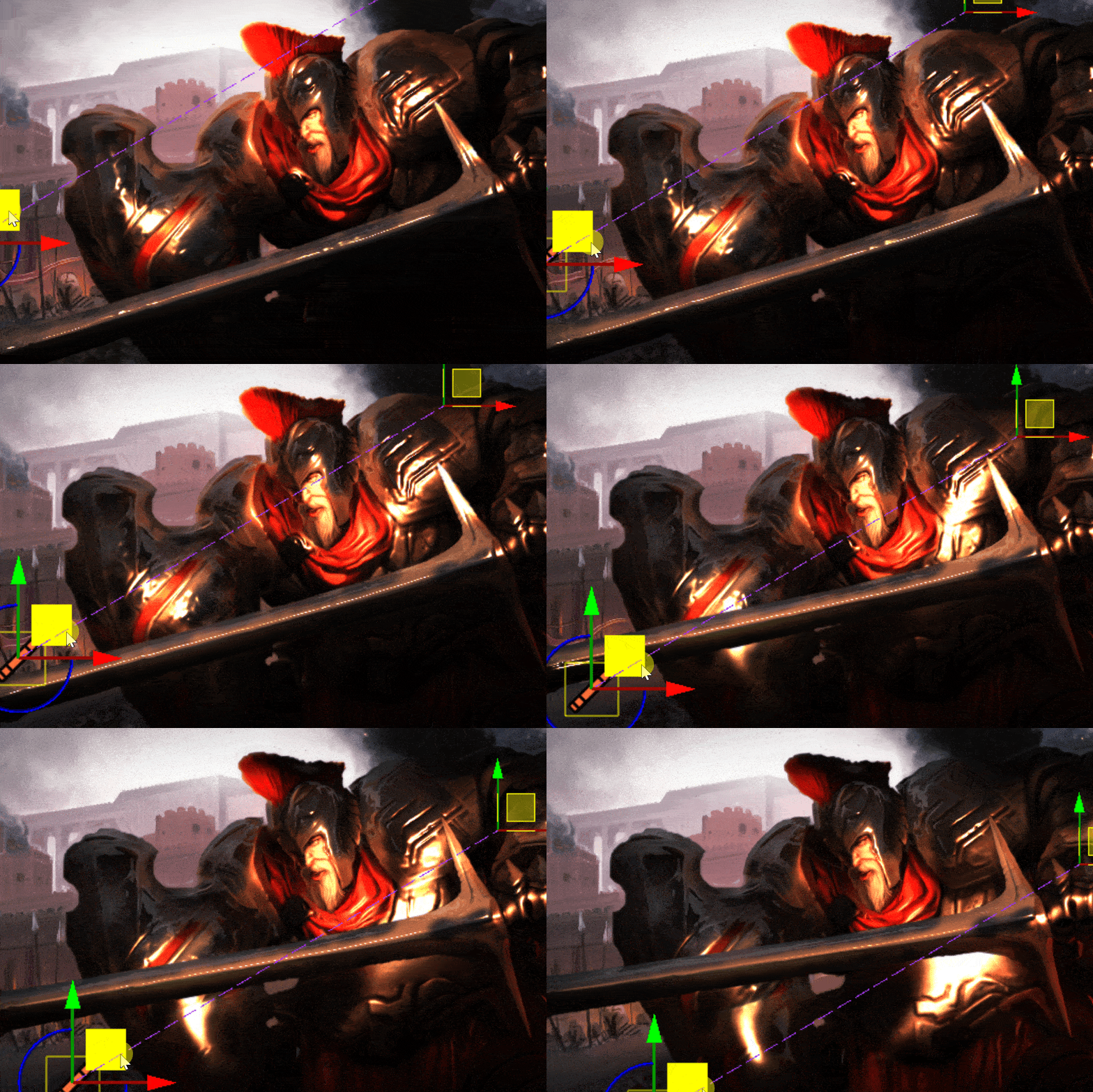

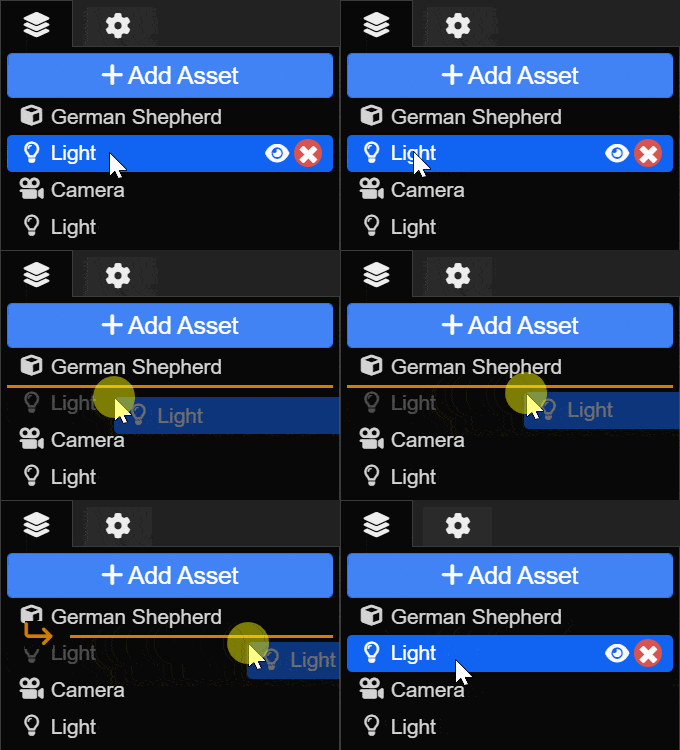
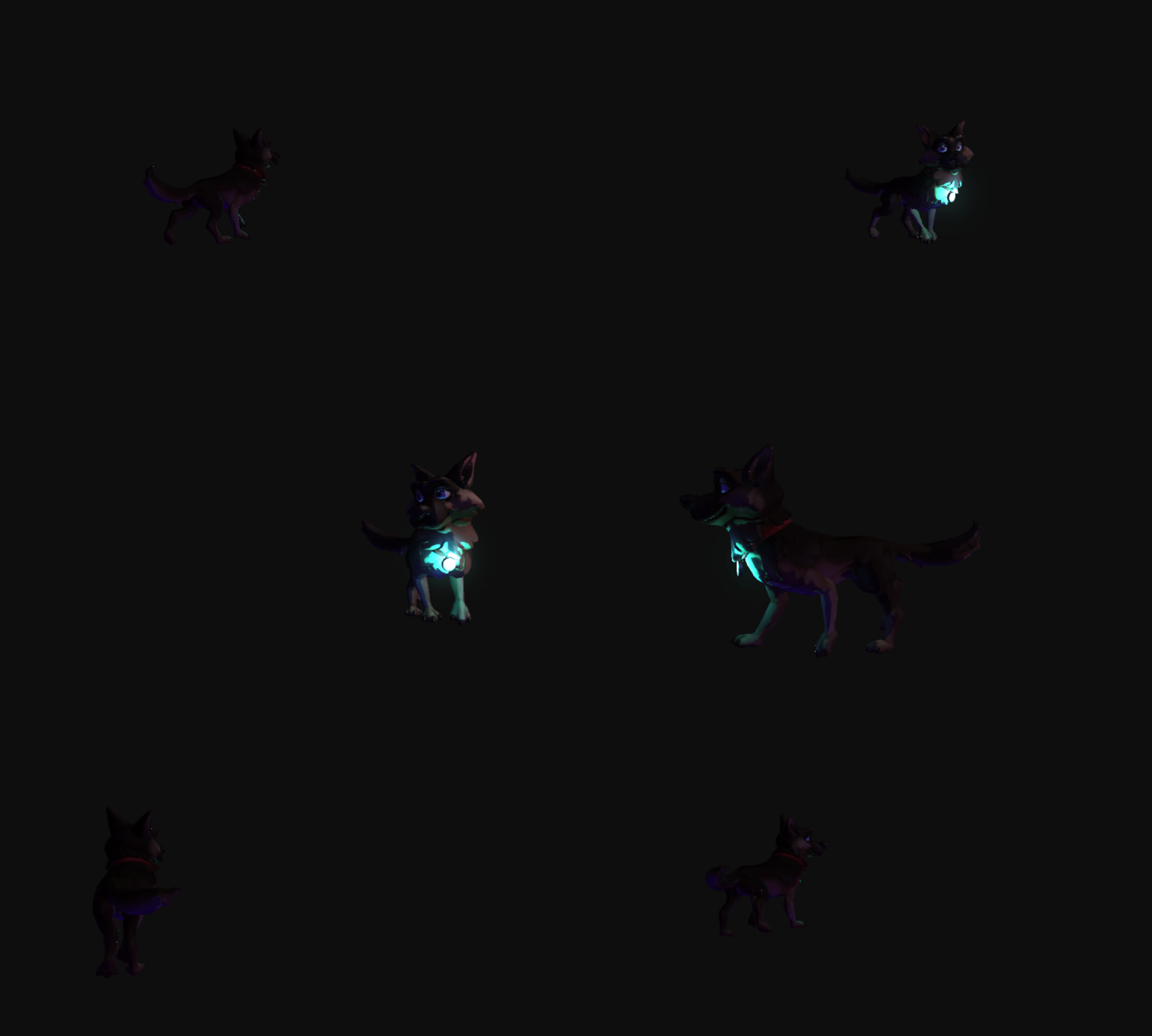 To learn more about the new hierarchy and attachment system, take a look at the following tutorials:
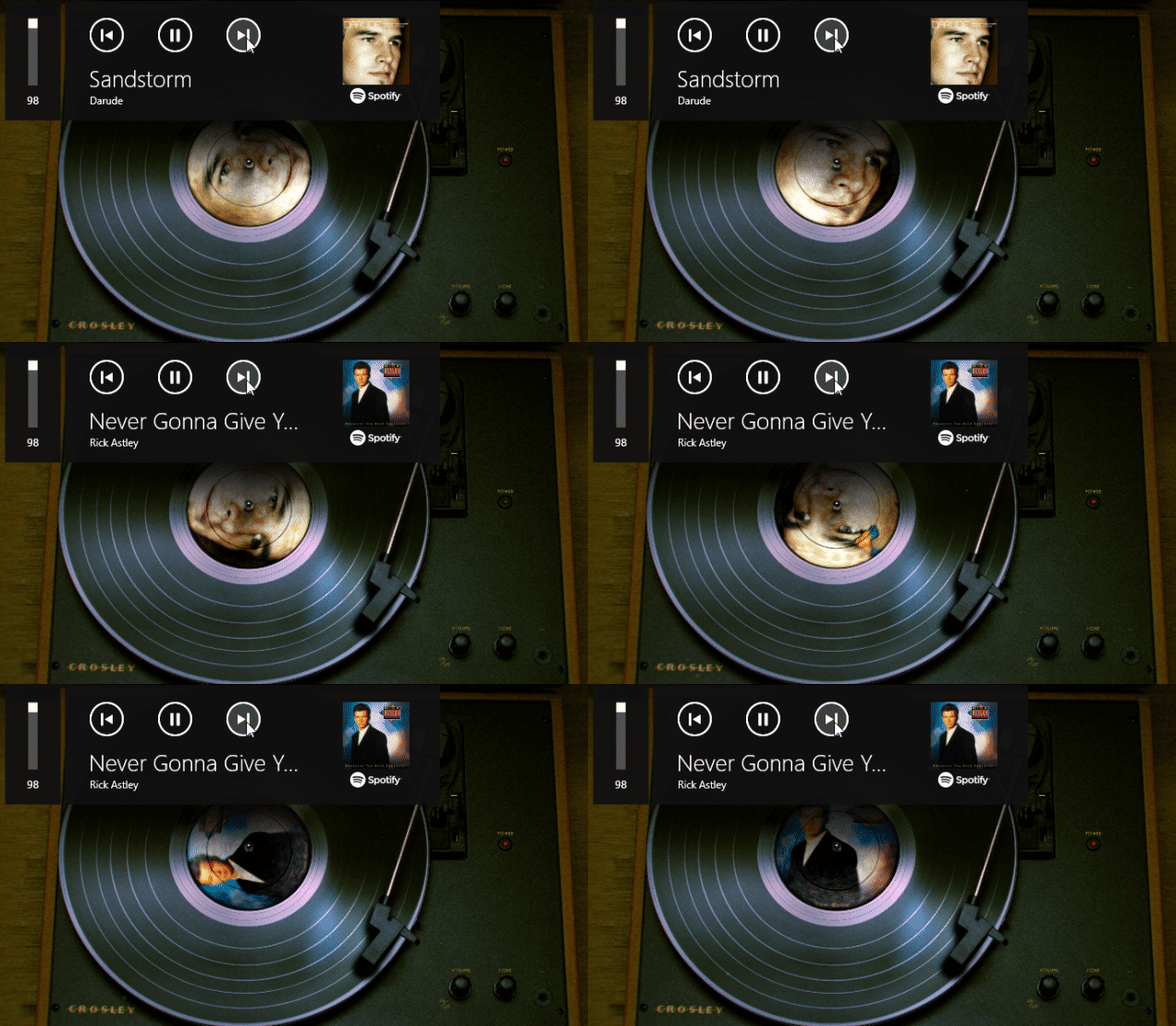 Interested in using this record player as a wallpaper or screensaver? Click here to download it.
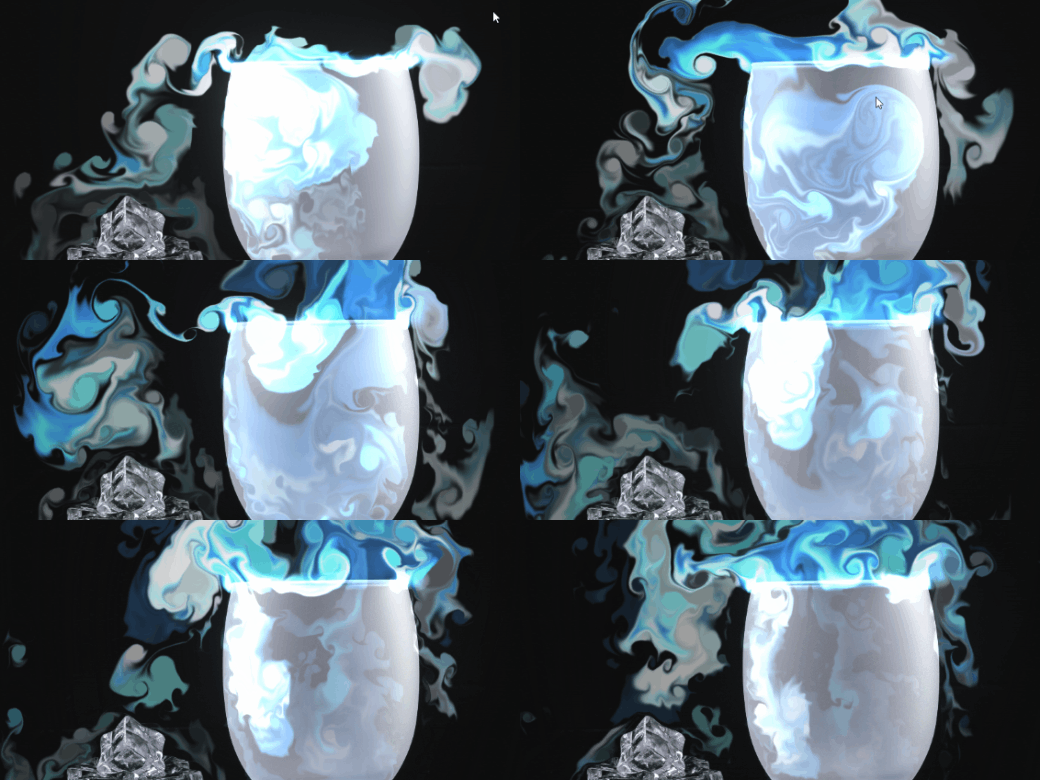 As usual, we have created an extensive documentation for this effect on our designer documentation website, be sure to check it out and give it a try:
 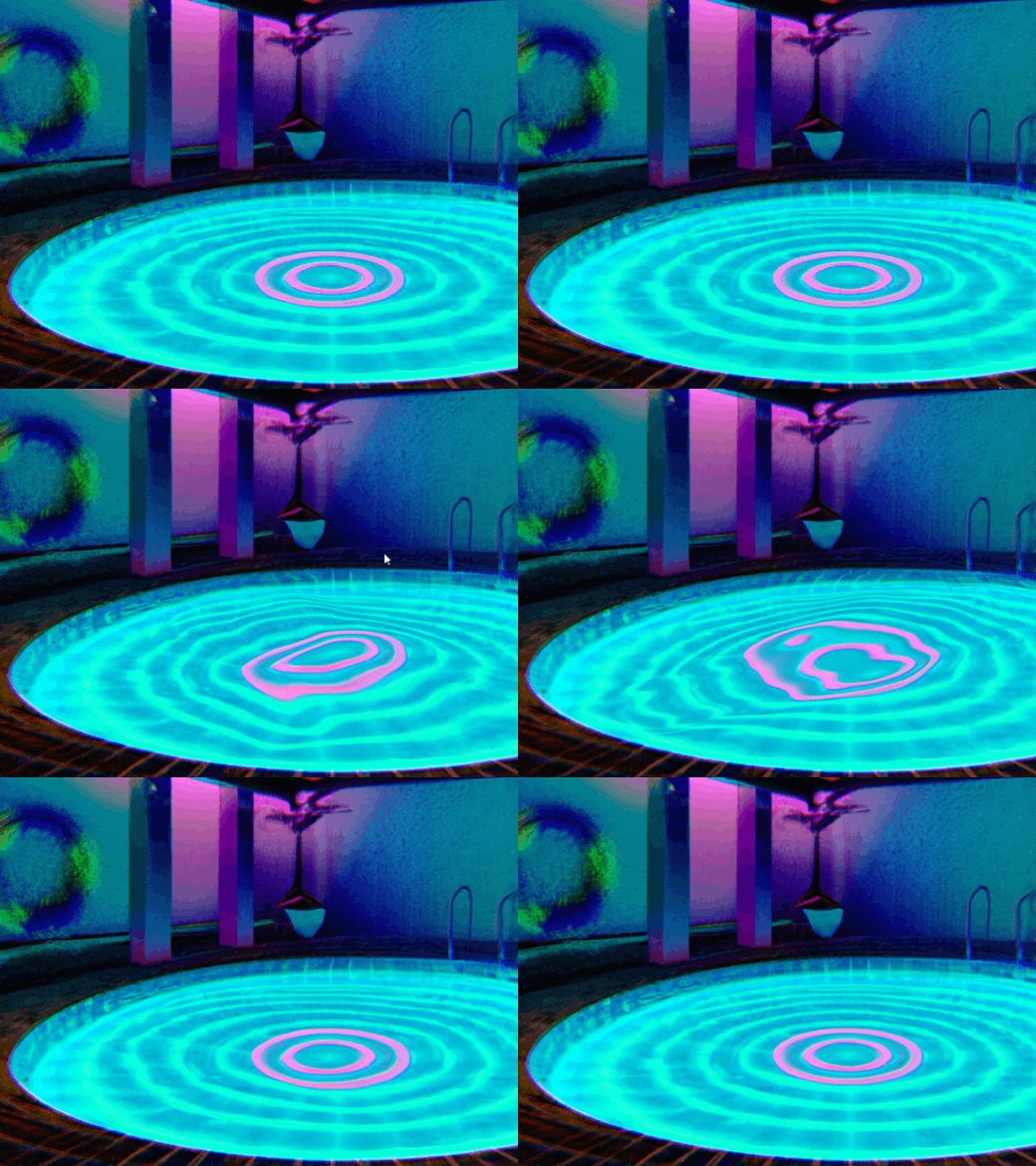 Make sure to check out the effect documentation to learn more on how to implement it into your wallpapers:
 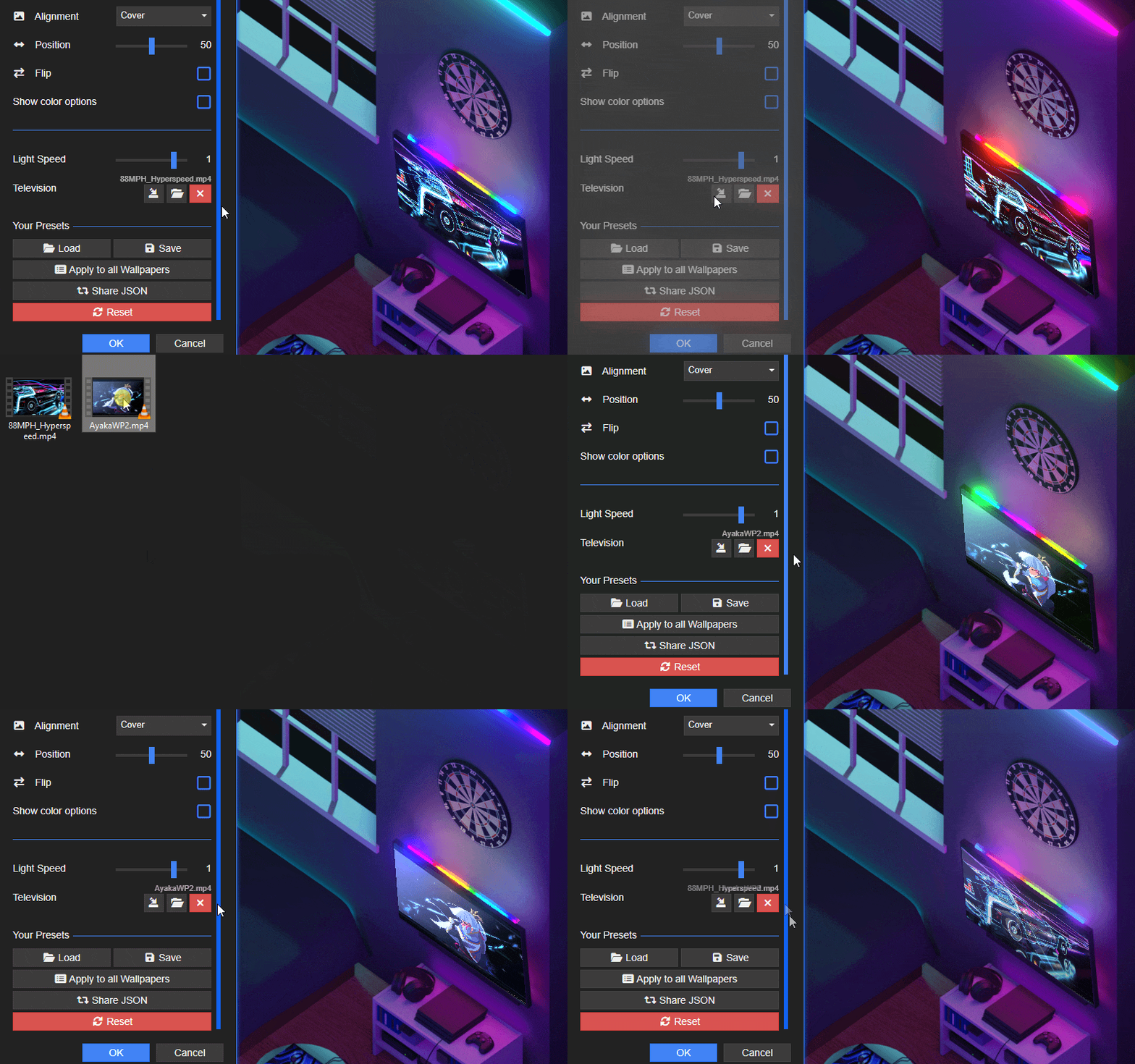 Credits for the sample video files go to Aduare and illuskate.
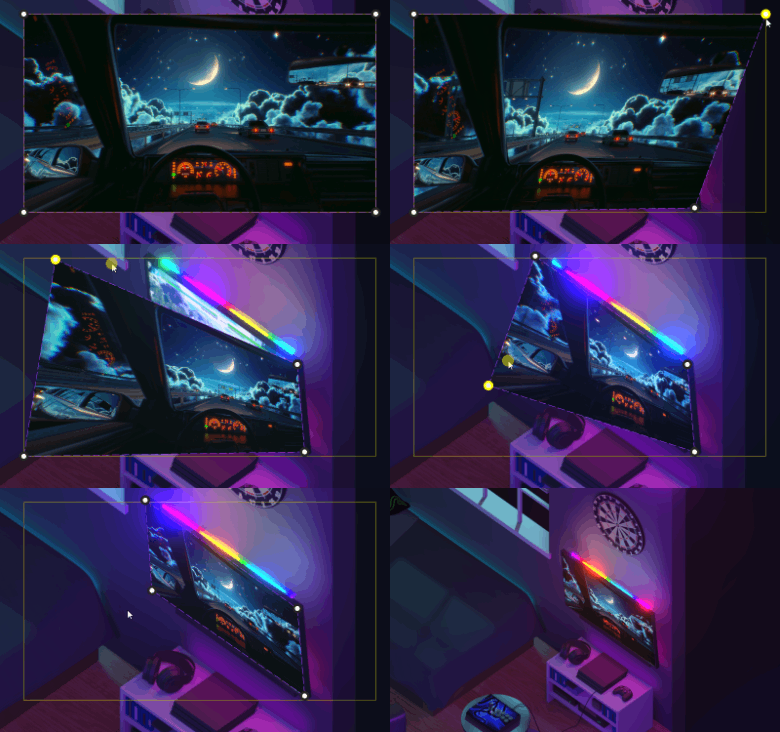 Resizing the Perspective effect using the new perspective editor gizmo. Shout-out to VISUALDON.
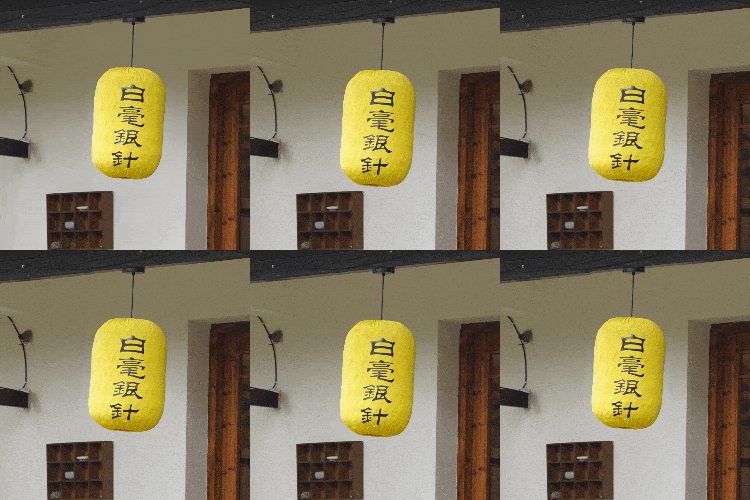 Swing Effect
 Twirl Effect
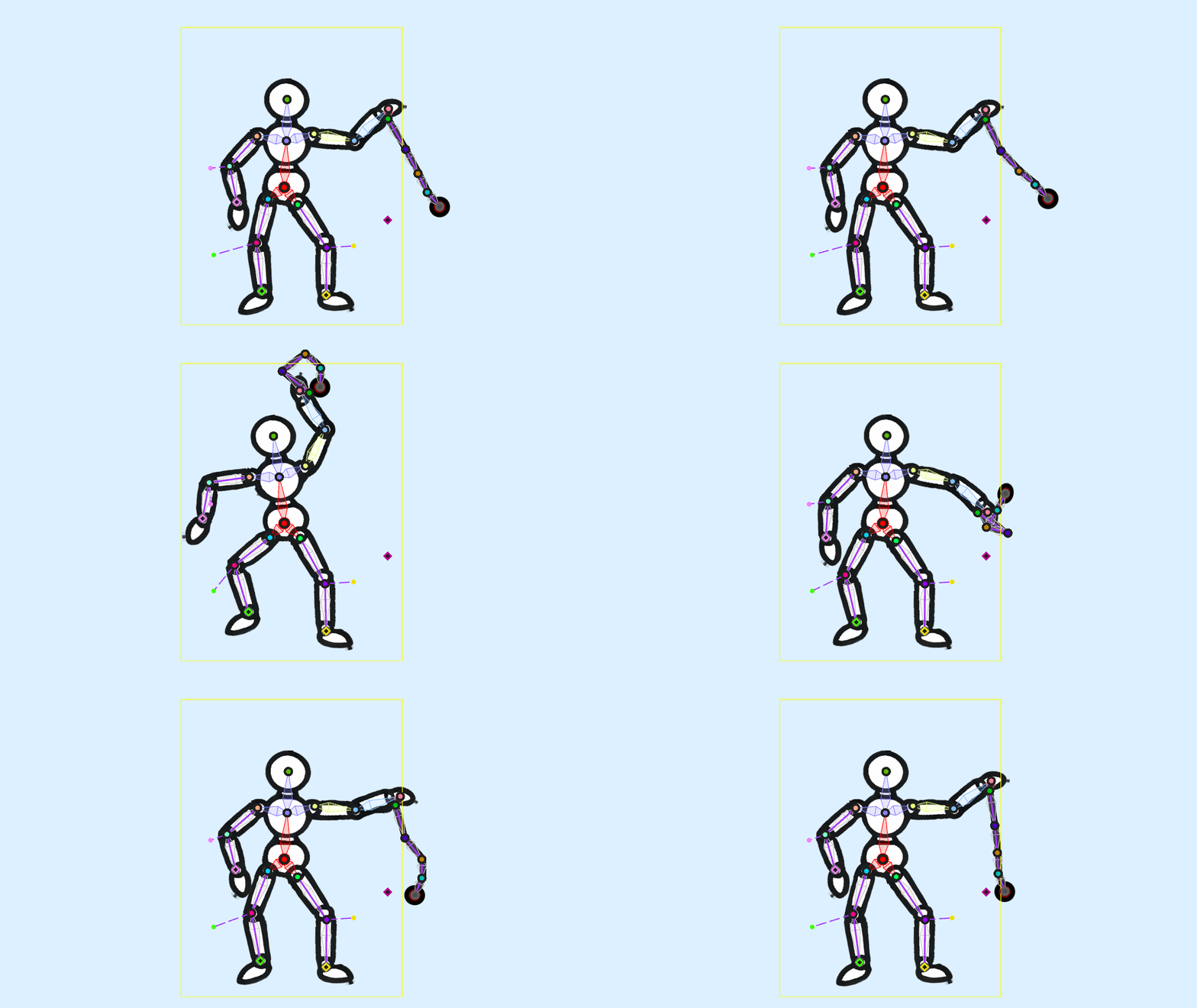
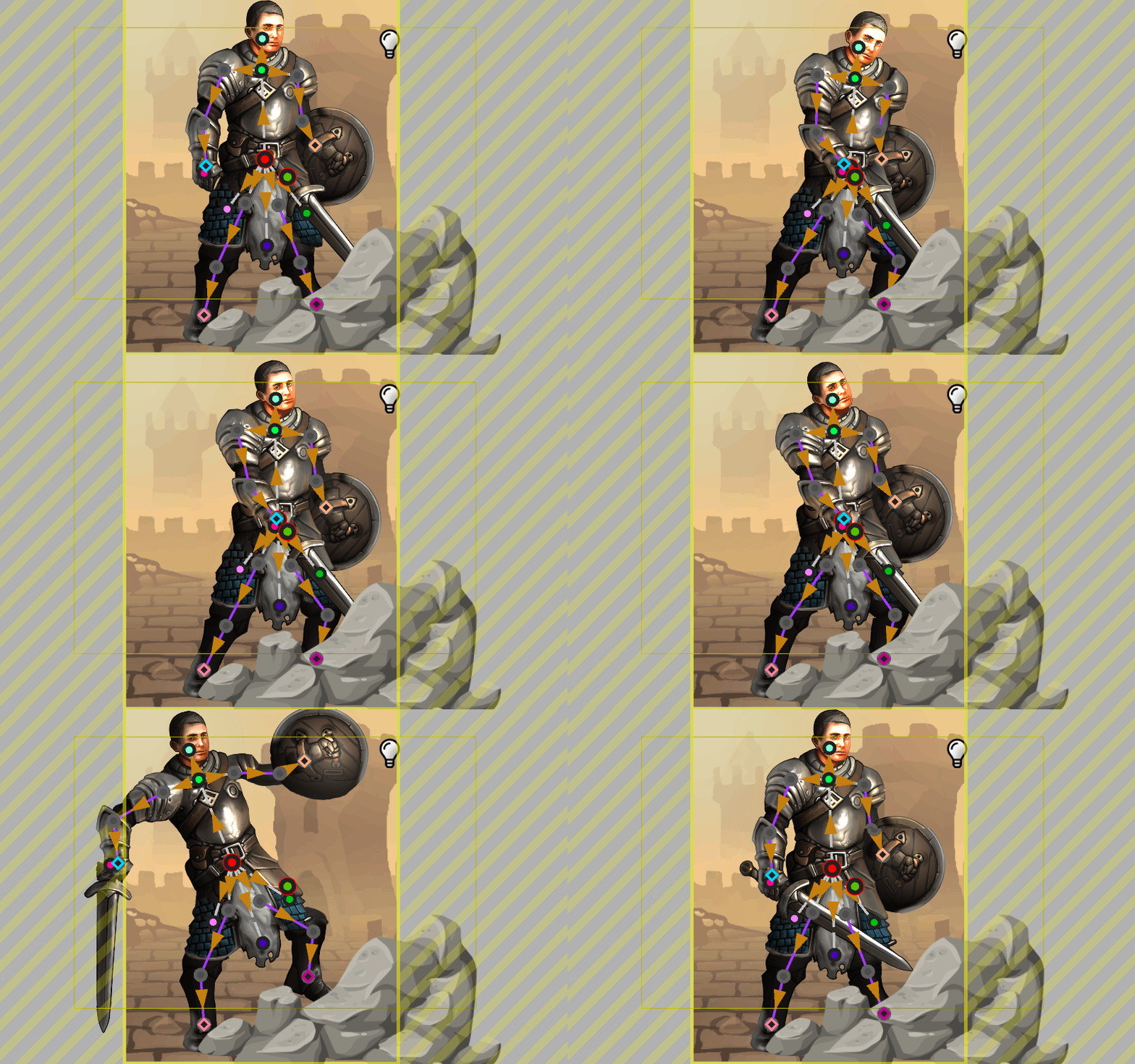 Inverse kinematics animation in the Wallpaper Engine editor
 Please see the Wallpaper Engine 2.1 changelog below for a full list of improvements and bug fixes.
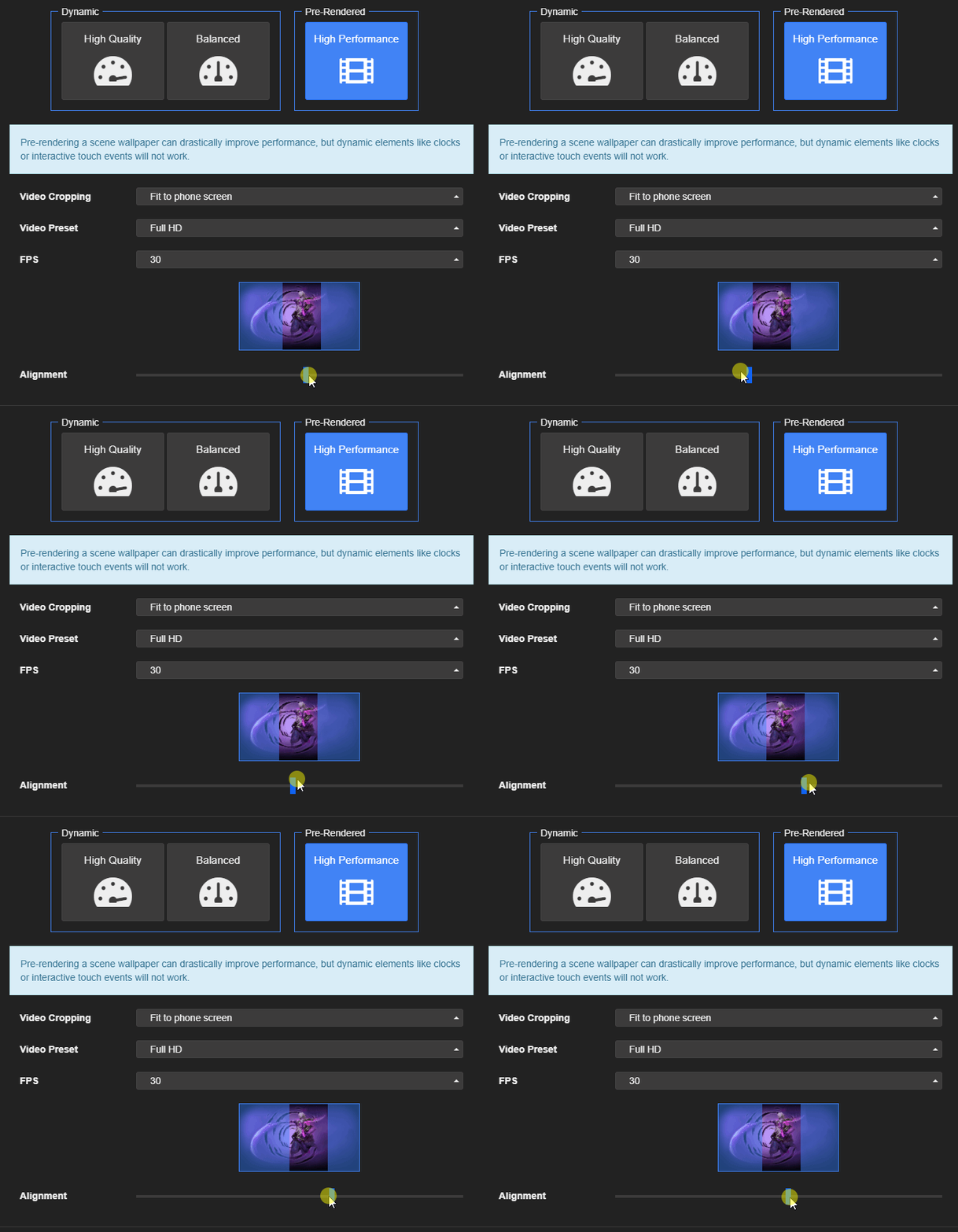 Keep in mind that for the "High-Quality" and "Balanced" export options, the wallpaper is always transferred in its full resolution.
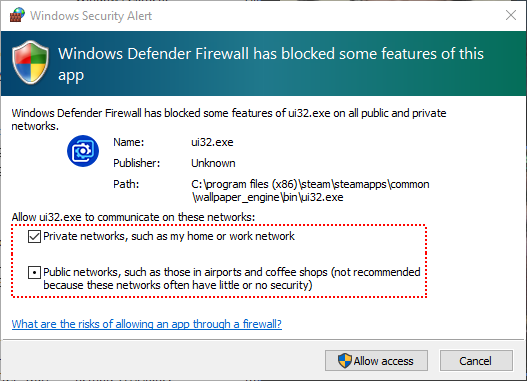 If you clicked "Cancel" here or just closed the window, then Wallpaper Engine is blocked in your Windows firewall.

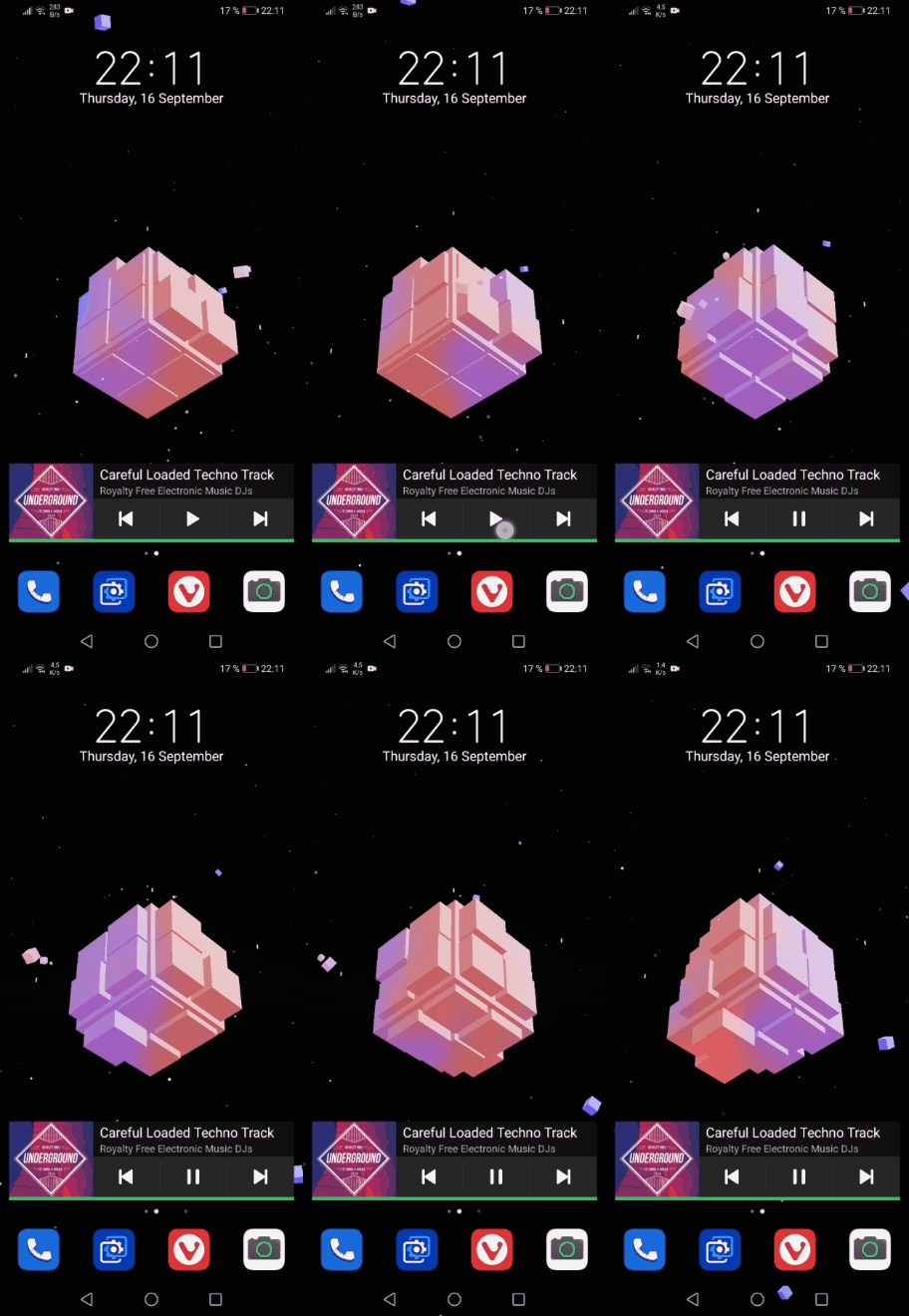
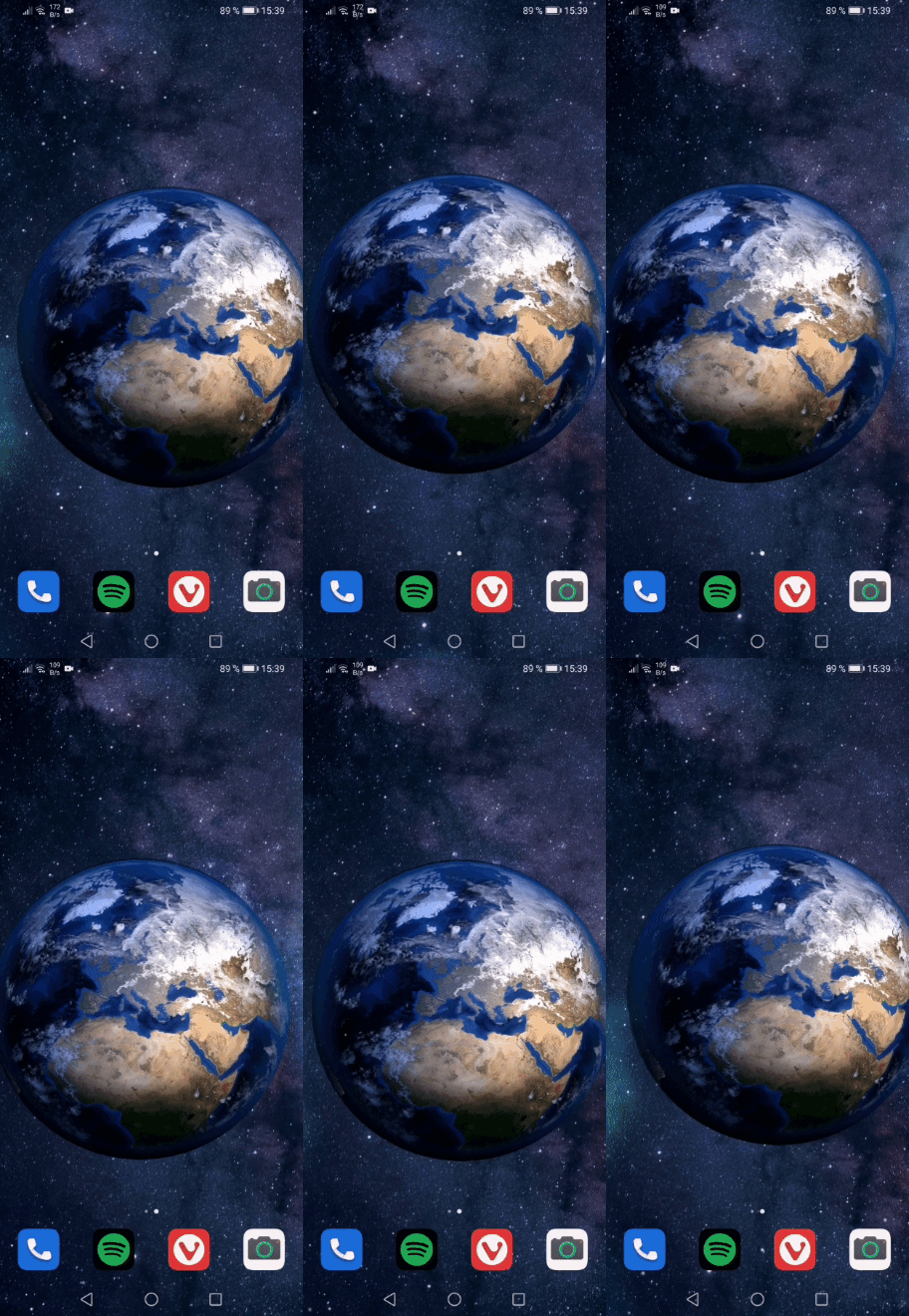

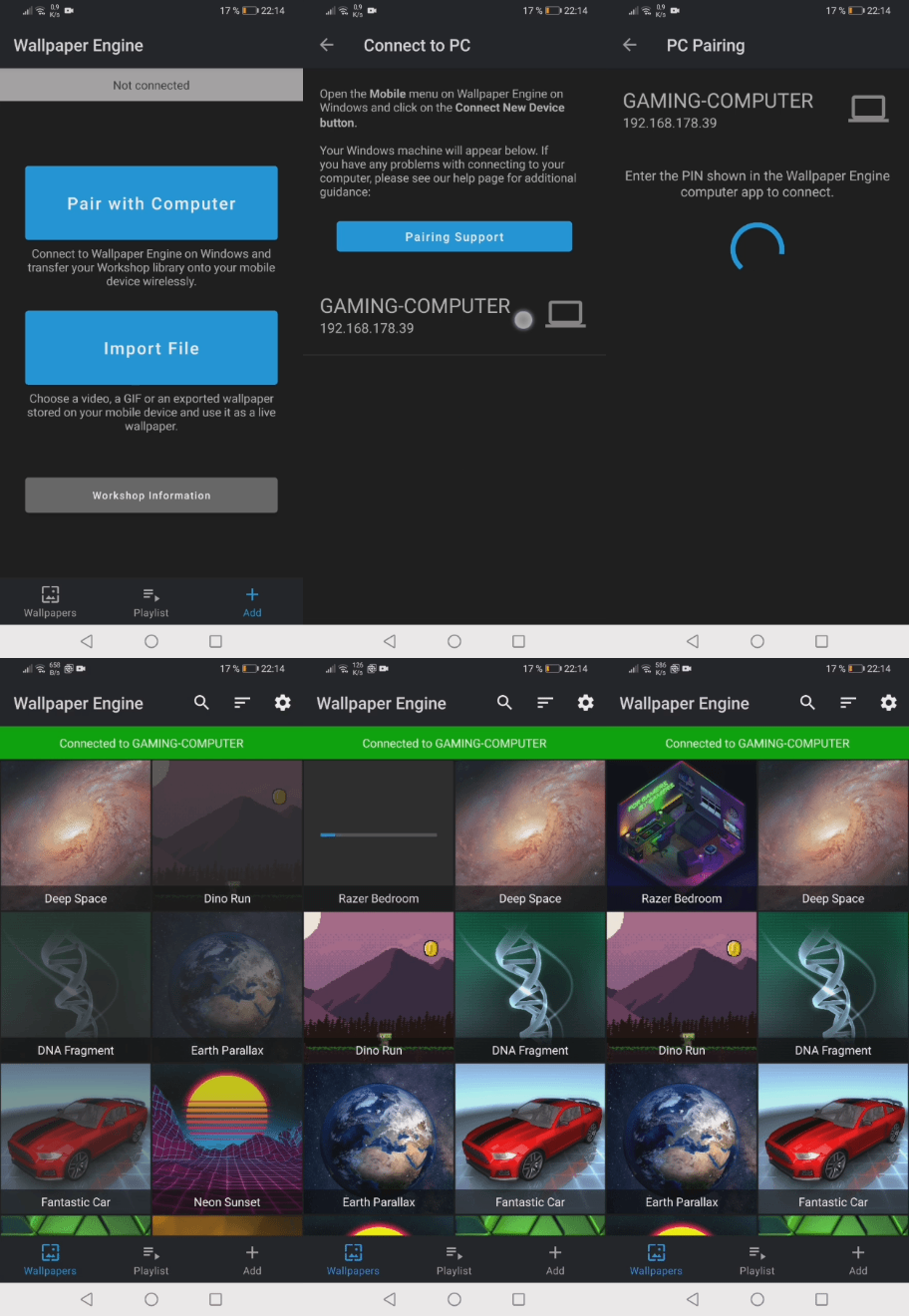
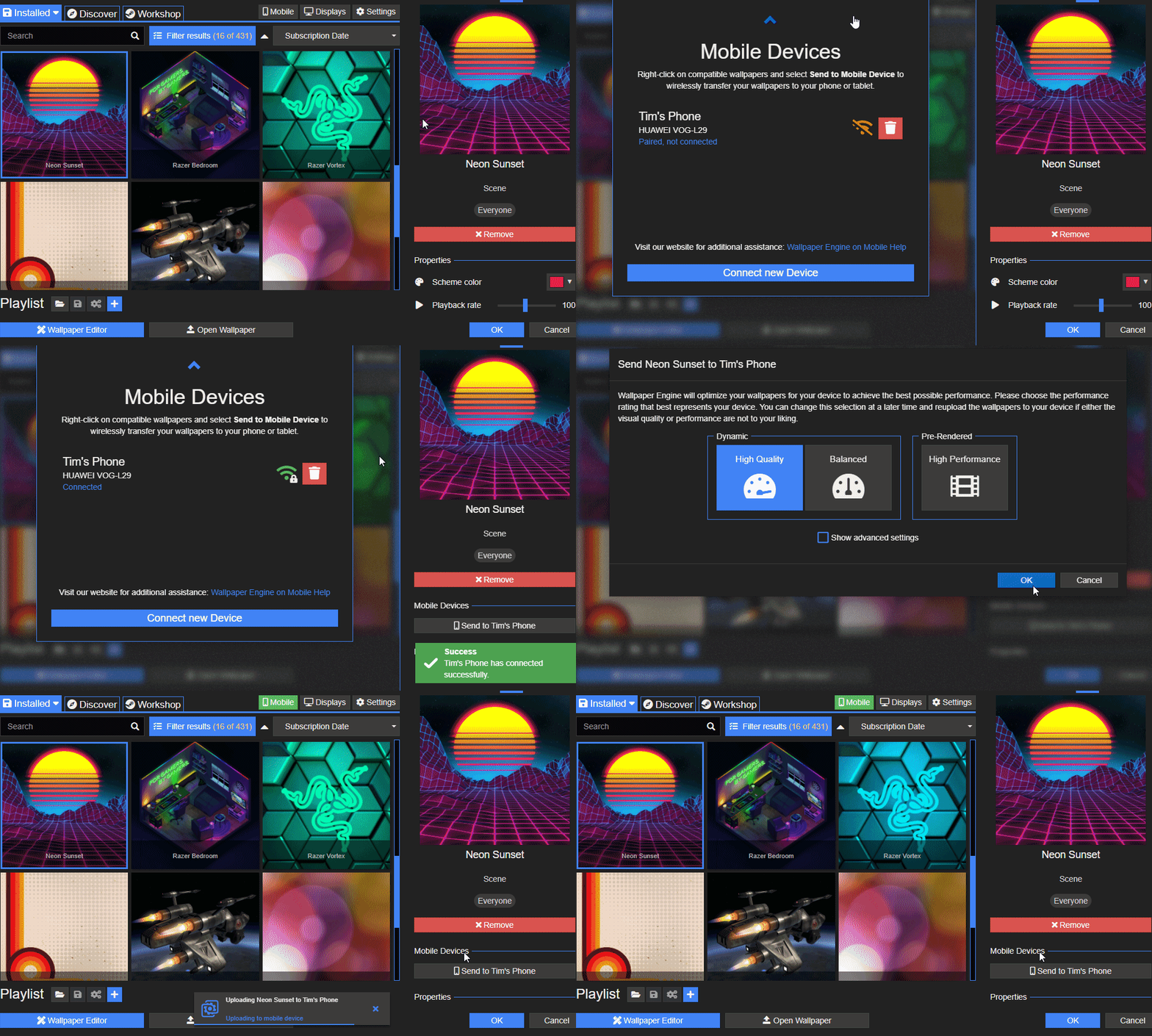 If you are unable to connect to Android: Right-click on any wallpaper and select Send to mobile device, then select Export .mpkg. You can then transfer the exported mobile package file to your mobile device via cable or by transferring it to your mobile device in another way.
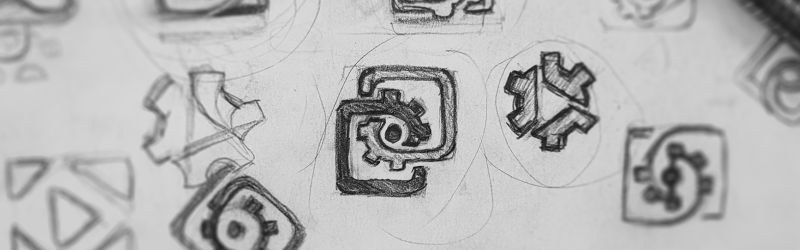 We have experimented a lot with different designs and settled on a new logo which keeps the spirit of the old design, but with a more modern spin. With Wallpaper Engine 2.0, you will find the new logo throughout the application, in Windows and on our websites:
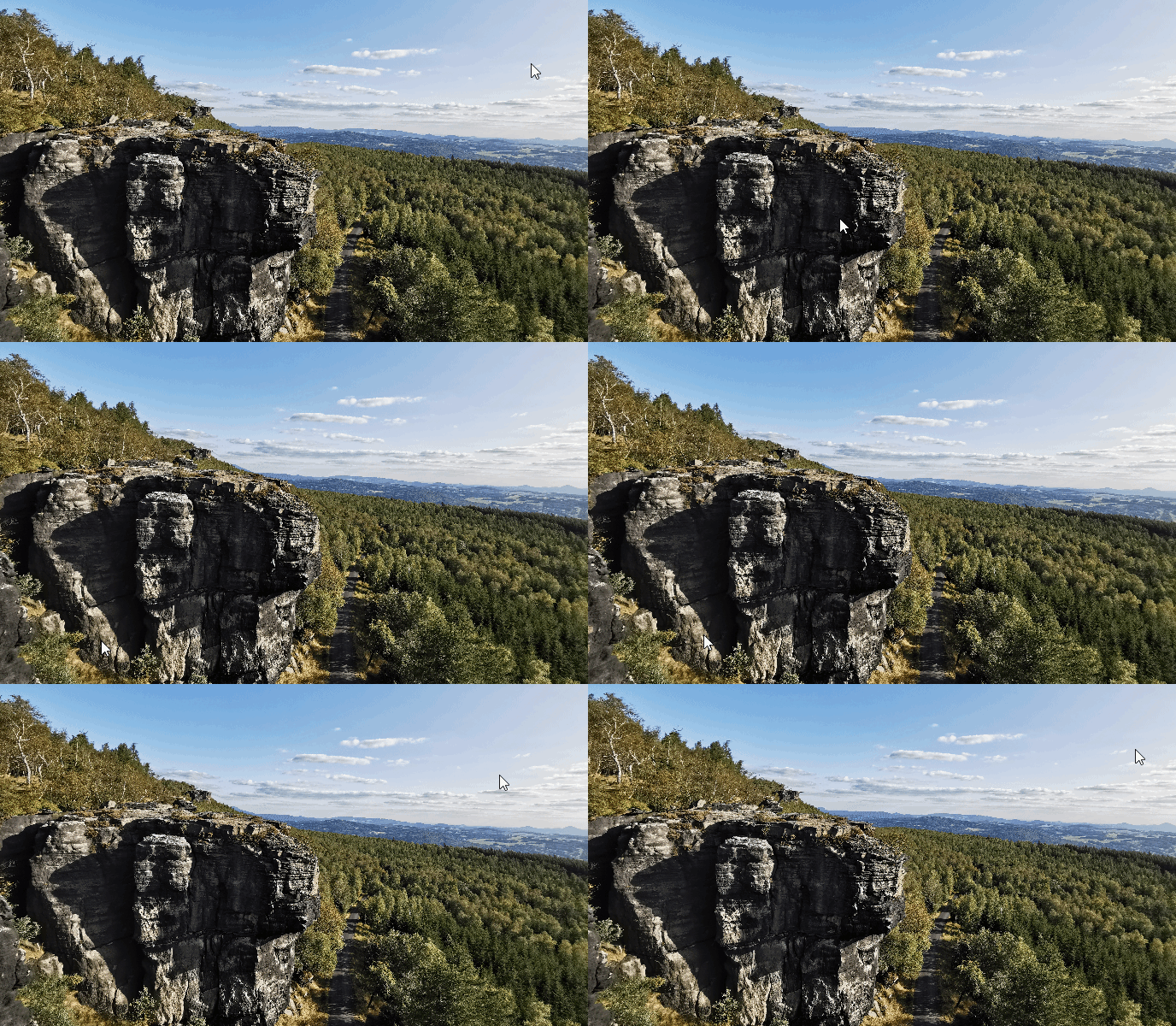 To make full-use of the effect in the wallpaper editor, we recommend installing our new free Editor Extensions DLC. We decided to separate this particular editor feature into an optional DLC because the features requires a download which is several gigabytes in size. When first using the effect in the editor, Wallpaper Engine will ask you to install the DLC for you. For more infos, see our full guide on how to install and use the depth parallax effect in the editor:
 Loading

